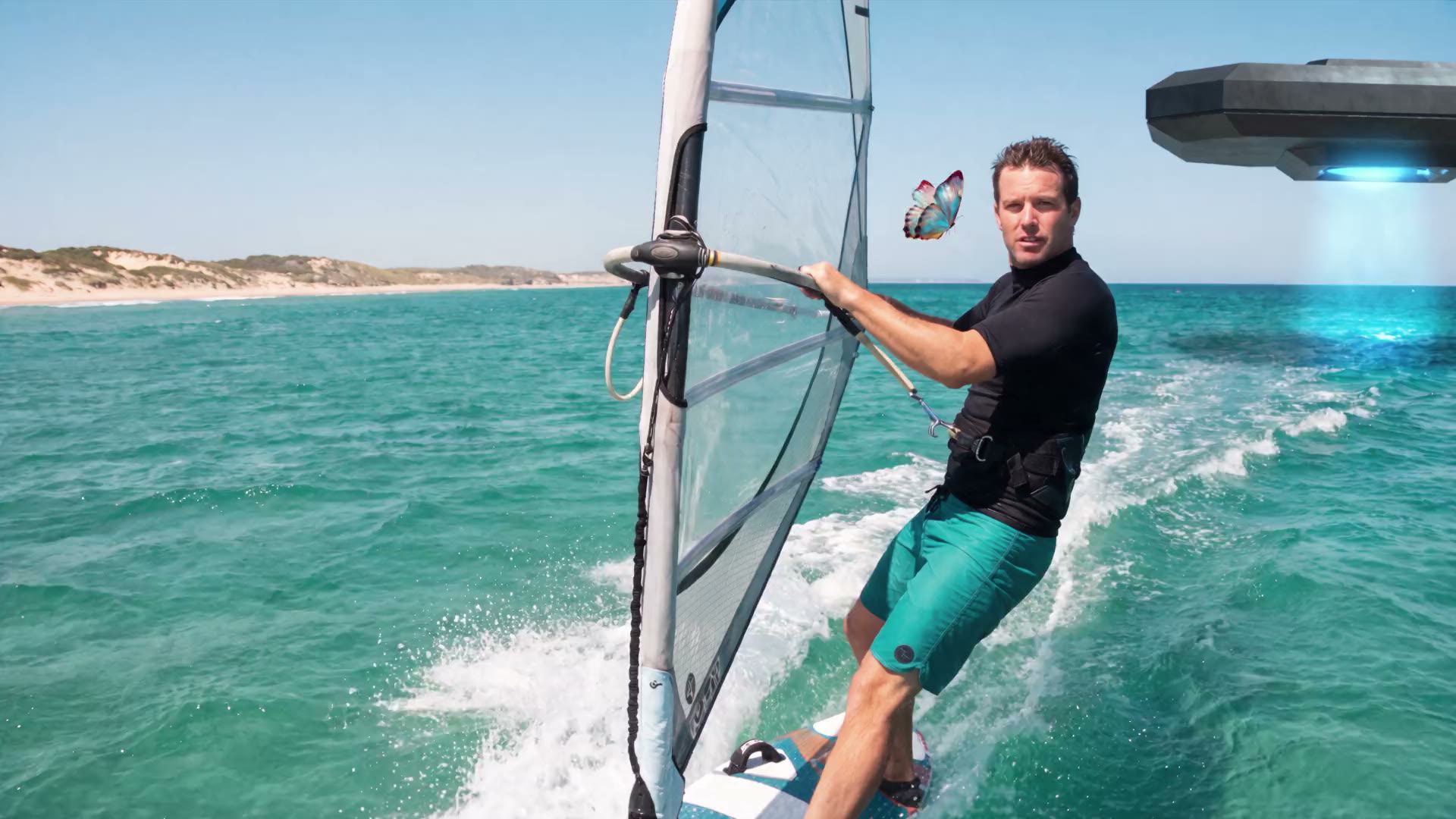
Scene 1 of a film made in ACT 3: a windsurfer races the coast beside a butterfly while an alien ship hovers over the water behind him

Feature Films at the speed of storytelling.

  • Import your Final Draft script
  • Chat to AI Filmmaker
  • Same actor, set & outfit every scene
  • AI storyboards, every shot
Your script 1.

EXT. SANDY COASTLINE, OPEN WATER - MIDDAY

A windsurfer races the coast, eyes on a butterfly. Behind him, an alien ship hovers over the water.

WINDSURFER

Hello, little friend.

Scene 1 is filmed
AI chatAI filmmaker
Ep. 1 cold open is cut: the windsurfer meets the butterfly. Notes?
Hook harder. Golden hour, so the water glows.
Locked for ep. 1: scene 1 at golden hour, the water glowing. Same ride, same butterfly.✓ Scene 1 re-shot. Your script is untouched.
Ask your AI filmmaker...
Post
Your AI crew member, the AI filmmaker in a beret
AI Cinematographer

02 · Video promptv1v2

Sunny coast, windsurfer sails past the dunes, a small blue butterfly at his face, an alien ship hovers low behind him, golden hour, warm low sun, glints on the water

03 · ImageNano Banana Pro
04 · VideoSeedance 2.5
05 · Status Scene 1 · Finished Finished Scene 1 of 7

Direct your whole movie, not the software.

Bring the full screenplay, all two and a half hours of it. ACT 3 AI understands your full movie in building it, so minute 12 and minute 133 belong to one story. Working alone or with a team, you have the power to create 2- or 3-hour movies.
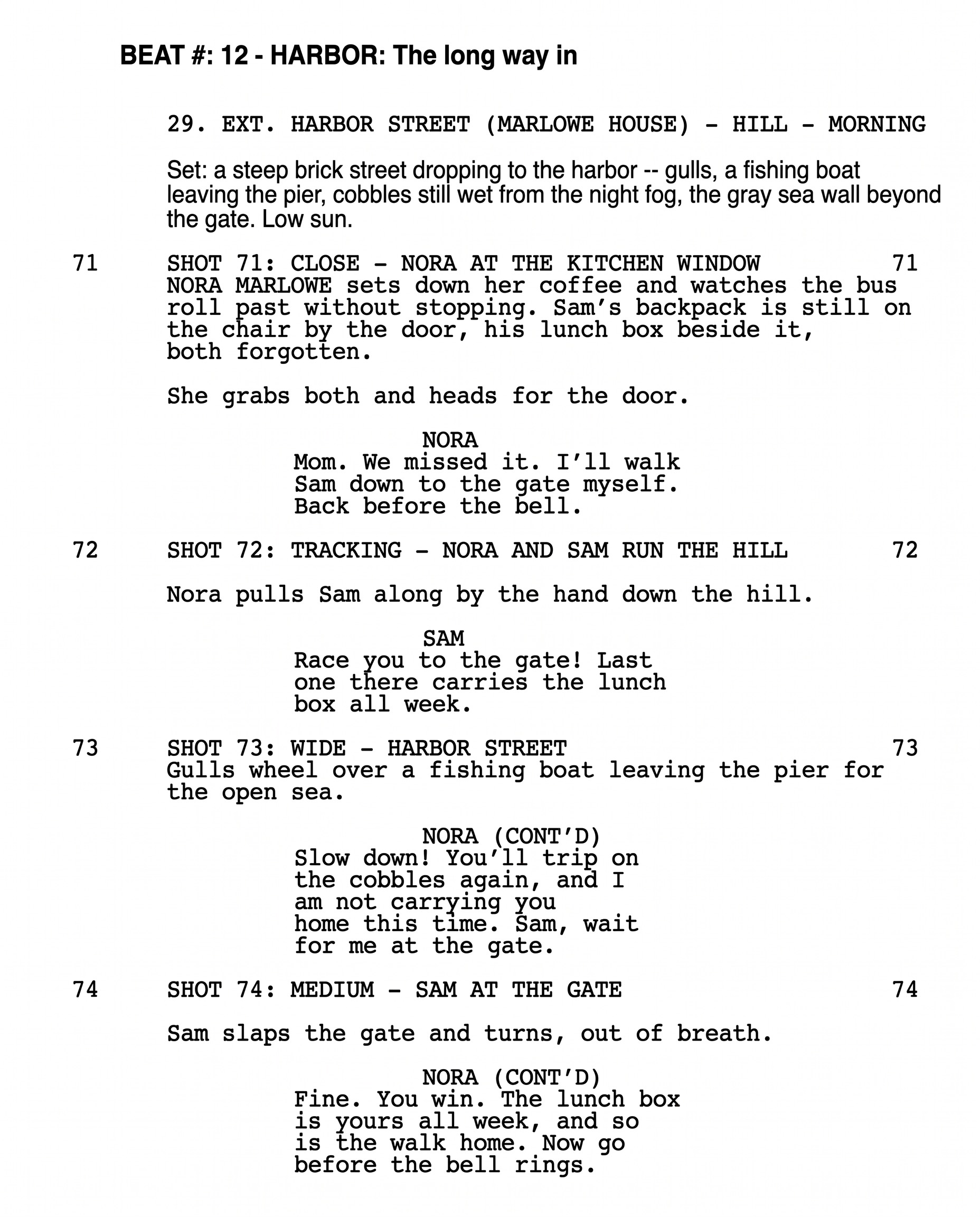
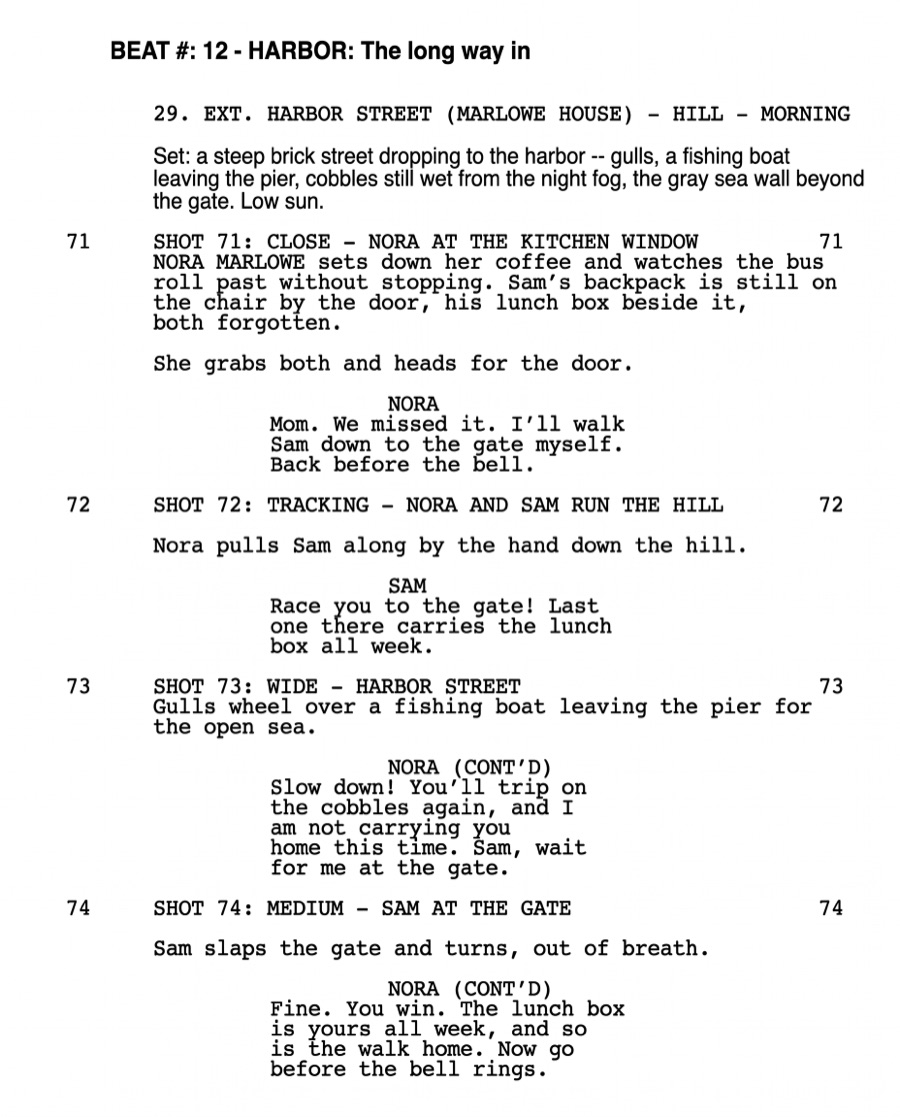
The top of an industry-format screenplay page: beat 12, Harbor, scene 29 on Harbor Street, shots 71 and 72
Script 2.5 hours

ACT 3 understandsyour full moviein building it
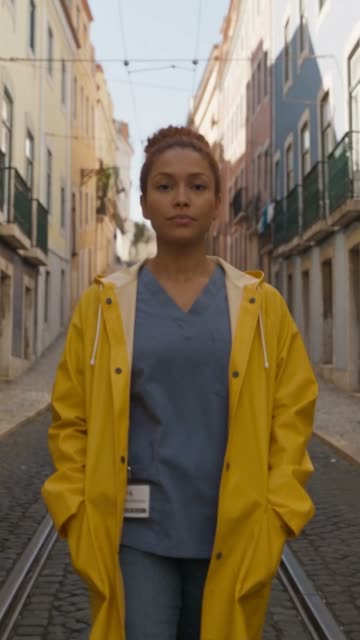
Minute 12 of the movie: a woman in a yellow coat walks an old town street in the morning12 MIN
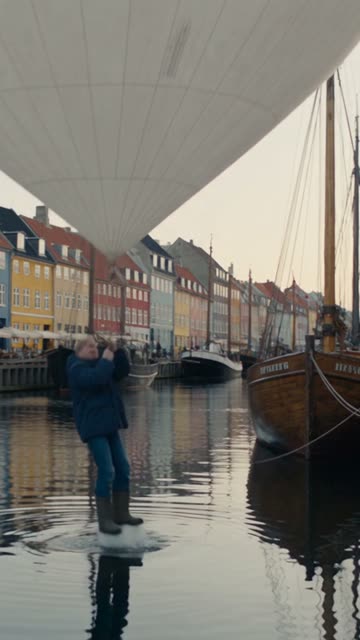
Minute 33: a man on a harbour front lifted by a weather balloon33 MIN
Minute 58: a convertible on a clifftop road at sunset58 MIN

Your script briefs a whole AI crew. You direct.

Just type “Jack said...”, “Sally said...” and a few sentences of your visual idea. Your AI Storyboarder, AI Cinematographer and AI Head Designer each start from those pages and bring you a first pass. You’re a creative, not a prompt engineer.

The screenplay page your AI crew starts from
Script 2.5 hours
Your AI Storyboarder, holding a pencil sketchbook
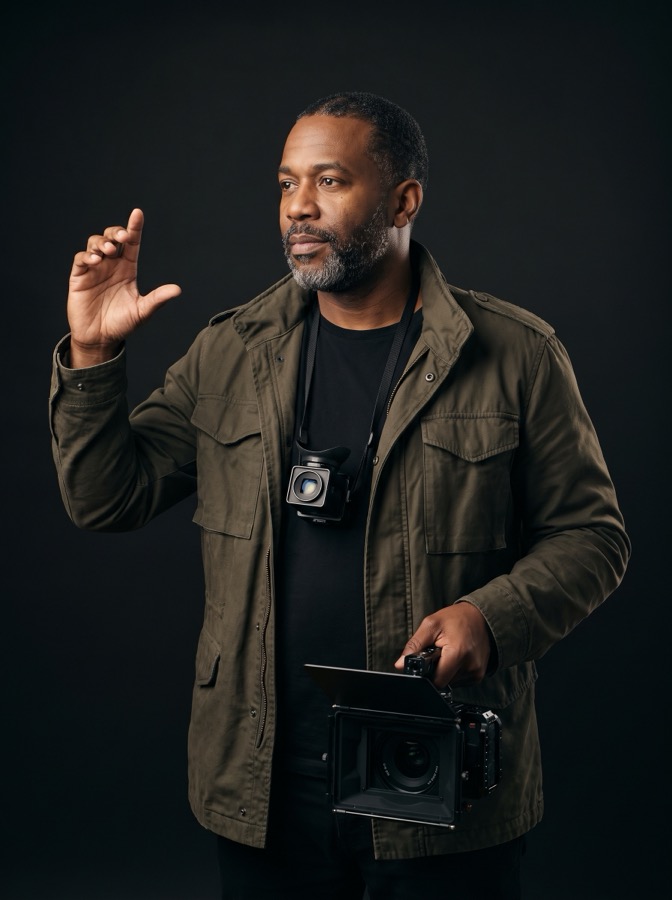
Your AI Cinematographer, framing a shot beside a cinema camera
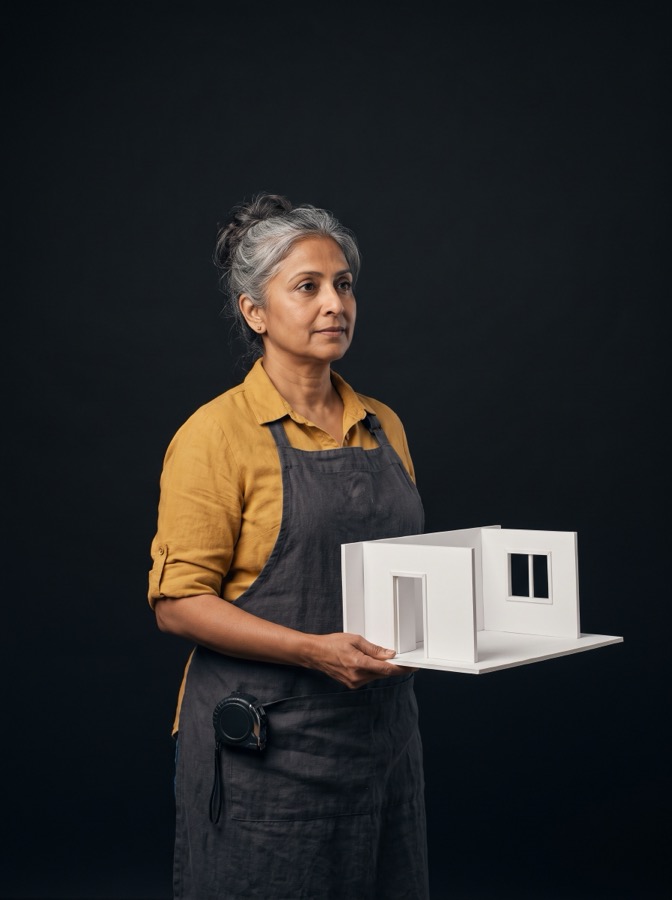
Your AI Head Designer, holding a foam-core set model

AIStoryboarder

Then your AI Cinematographer steps forward, then your AI Head Designer. Each time, the movie is 13 minutes farther in.

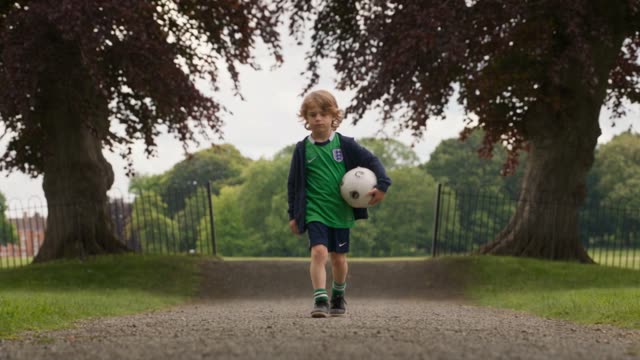
The movie playing at minute 24: a boy with a football in a city park24 MIN

Save months of setup. Spend them directing.

Outfits that change over the movie, a first pass of cinematography, sets you build once and reuse. Movie automation takes that labor, so you do what you love and upgrade the shots that matter. Capture it once, never repeat yourself, and get your hours back.

Months of labor
  • Outfitschanged scene by scene

    By handAuto
  • Camera coveragea first pass for every shot

    By handAuto
  • Setsbuilt once, ready for every angle

    By handAuto

Automation takes the first pass. You keep directing.

Save monthsby movieautomation

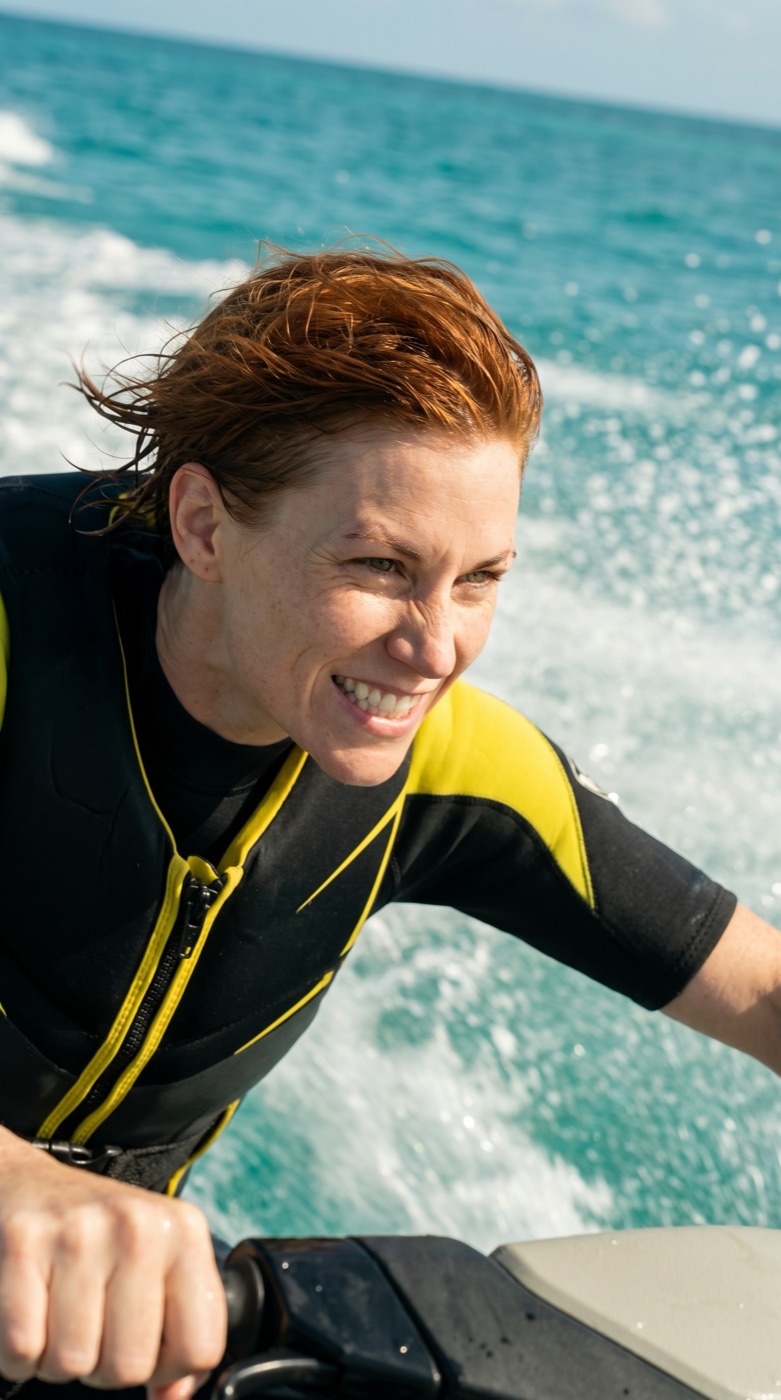
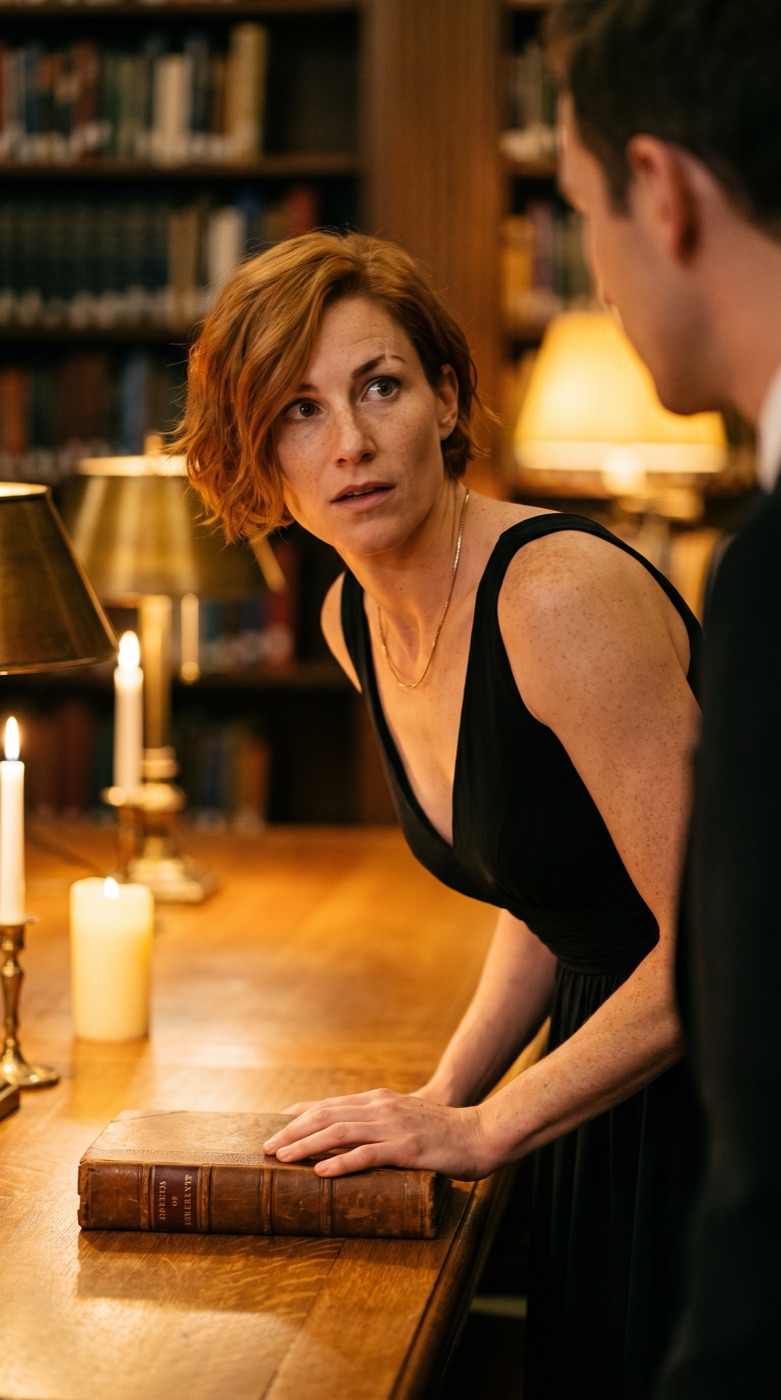
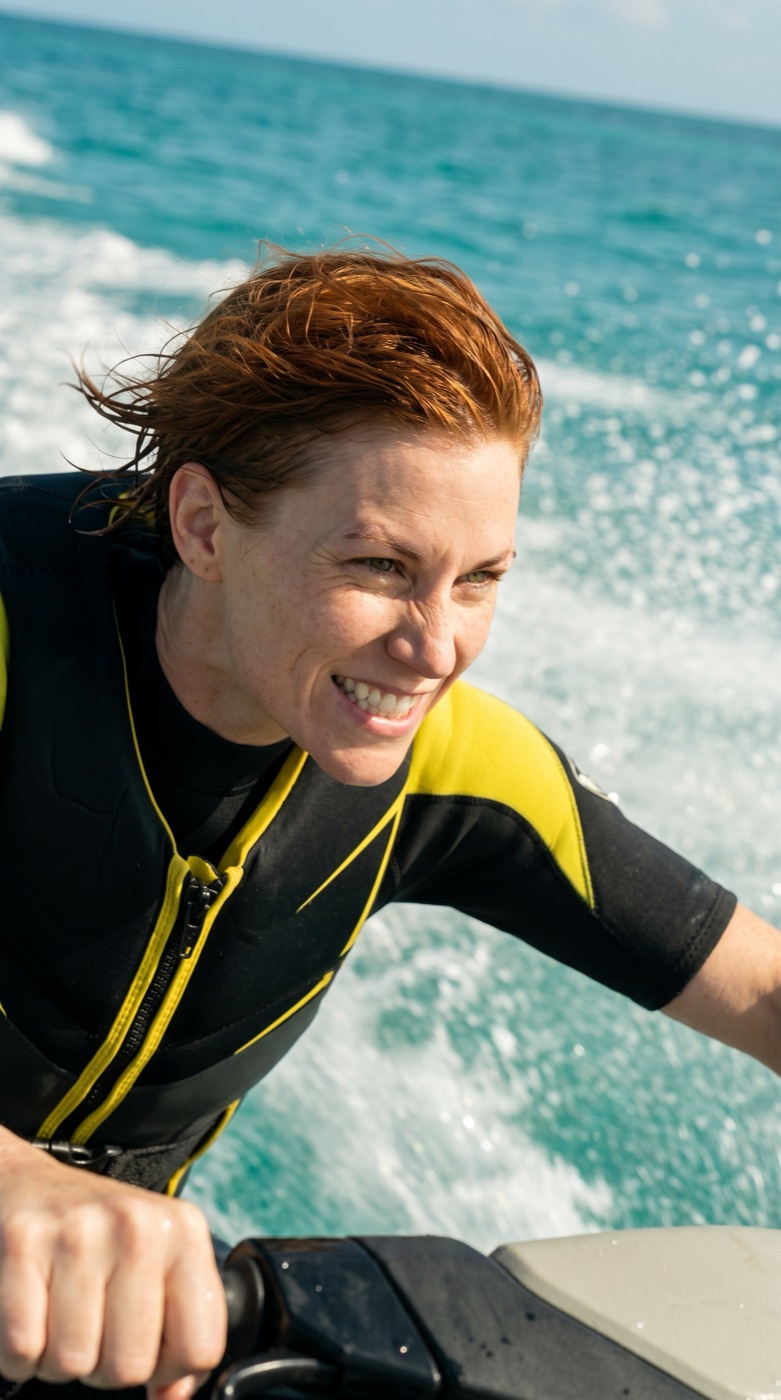
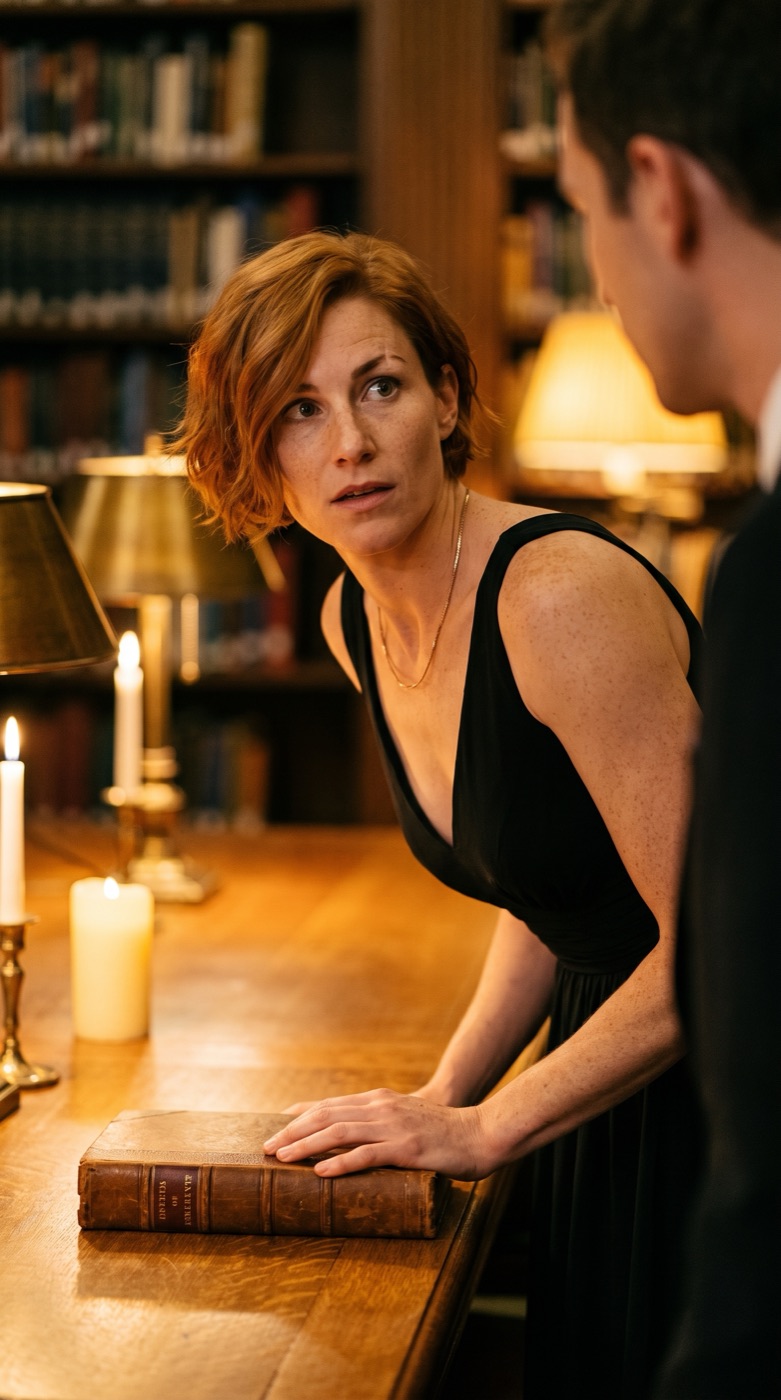
ALEX in a wetsuit on a jet ski ALEX in a parka on a snowy pass ALEX in an evening dress in a library ALEX in a linen jacket in a desert market
Changing OutfitsOver the movie: a new outfit wherever your story calls for one.
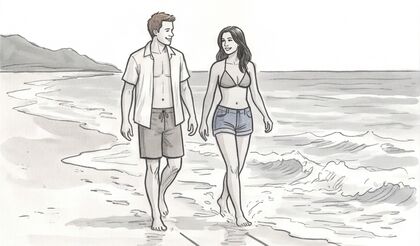
A wide shot of two people walking a beach The same scene as a two-shotOver the shoulderClose-upInsert of the surfboardWalking shot
Cinematography AutomatedWe automate the first pass. Then you’re just upgrading, and saving months of labor.
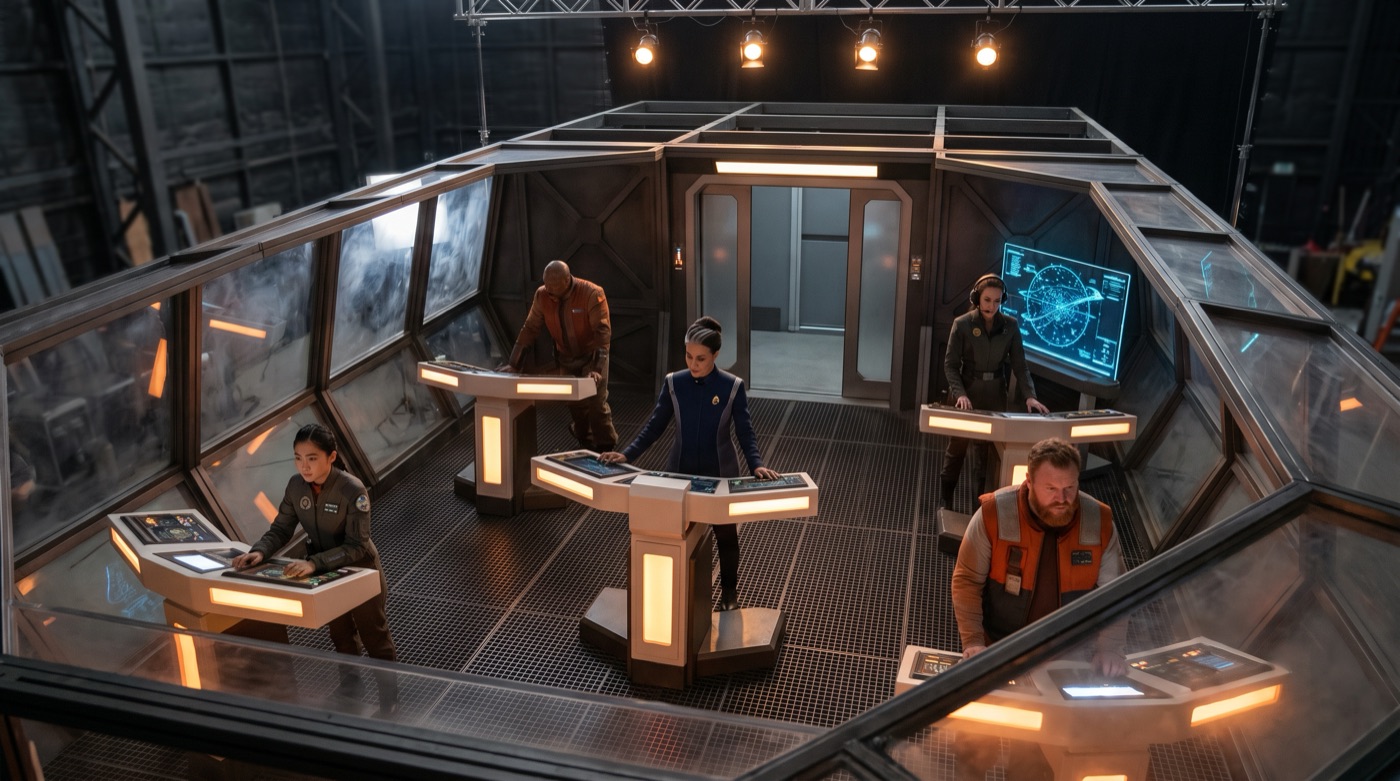
One roofless flight-deck set seen from above A camera angle inside the same setAnother camera angle inside the same set
Reusable SetsThe camera can move. We save weeks of work by automating everything else.
  • Changing Outfits over the movie: a new outfit wherever your story calls for one.
  • Cinematography Automated: we automate the first pass. Then you’re just upgrading, and saving months of labor.
  • Reusable Sets: the camera can move. We save weeks of work by automating everything else.

Direct the structure: acts, beats and scenes.

All two and a half hours on one timeline, as acts, beats and scenes. Select a beat and it stays highlighted through every zoom. Move it two beats later, right-click a scene to delete it, then right-click another and choose Create Storyboards.

TimelineZoomed in · Act 2
  1. Select a beat
  2. Move it two beats later
  3. Right-click: Delete
  4. Right-click: Create Storyboards
Act 1
1Morning Tide2 scenes12
2The Letter3 scenes345
3Ferry2 scenes67
4Fish Market3 scenes8910
5The Offer3 scenes111213
Act 2
6Crossing3 scenes141516
7Storm Warning2 scenes1718
8Lighthouse4 scenes19202122
9Nets2 scenes2324
10Midpoint2 scenes2526
11Fog2 scenes2728
12Harbor3 scenes293031
13The Gate2 scenes3233
14Pier3 scenes343536Harbor moves here: 2 beats later
15Low Tide3 scenes373839
Act 3
16Night Boat3 scenes404142
17Sea Wall2 scenes4344
18Return3 scenes454647
19Home2 scenes4849
20First Light3 scenes505152

Beat 12 · Harbor is selectedNext it moves two beats later, after Pier.

Scene 37 · Low Tide · right-clickRenameDuplicateCreate StoryboardsDelete
Storyboards Scene 37 · Low Tide
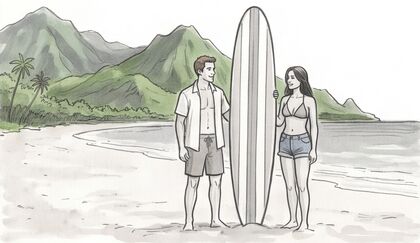
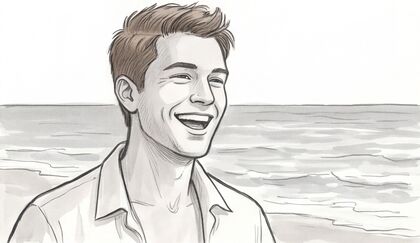
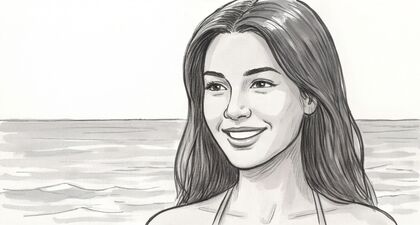
Storyboard panel: two people beside a surfboardStoryboard panel: walking along the waterStoryboard panel: close-up, laughingStoryboard panel: close-up, smiling

Character Consistency: different scene, different outfit, same face.

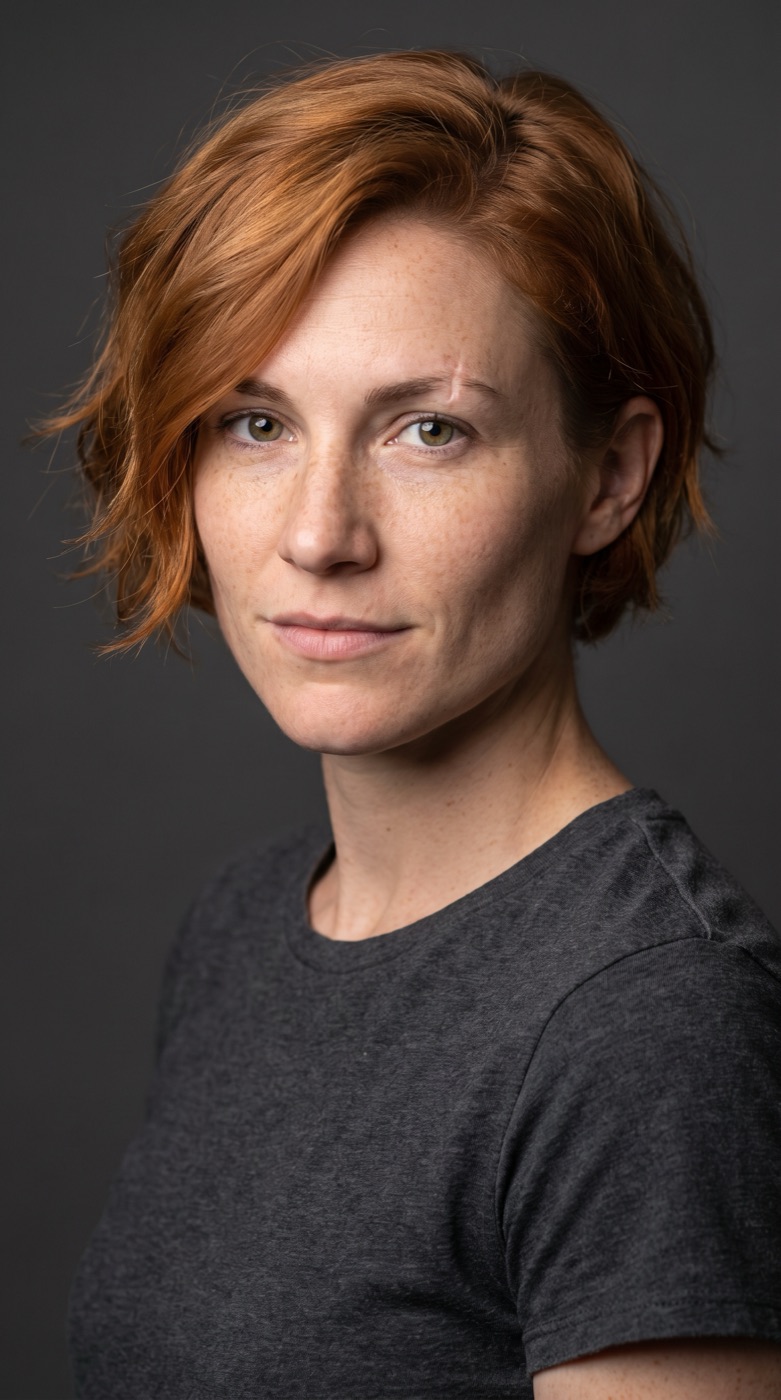
Pick your digital actor once. ACT 3 carries Alex into every scene of a two-hour movie: a jet ski in scene 7, a blizzard in scene 88, a candle-lit library in scene 2. You never describe her again. You’re a creative, not a prompt engineer.
Alex, the chosen digital actor: a studio reference portrait of a woman with short copper hair in a plain gray T-shirtALEXYour digital actor

Scene 7: Alex on a jet ski, hands on the handlebars, spray flying over the oceanScene 7Open ocean
Scene 88: the same Alex in a fur-lined parka on a blizzard mountain passScene 88Mountain pass
Scene 2: the same Alex in a black dress in a candle-lit libraryScene 2Library
Scene 41: the same Alex running through a desert market at golden hourScene 41Desert market

Set & Location Consistency: move the camera, the room stays the room.

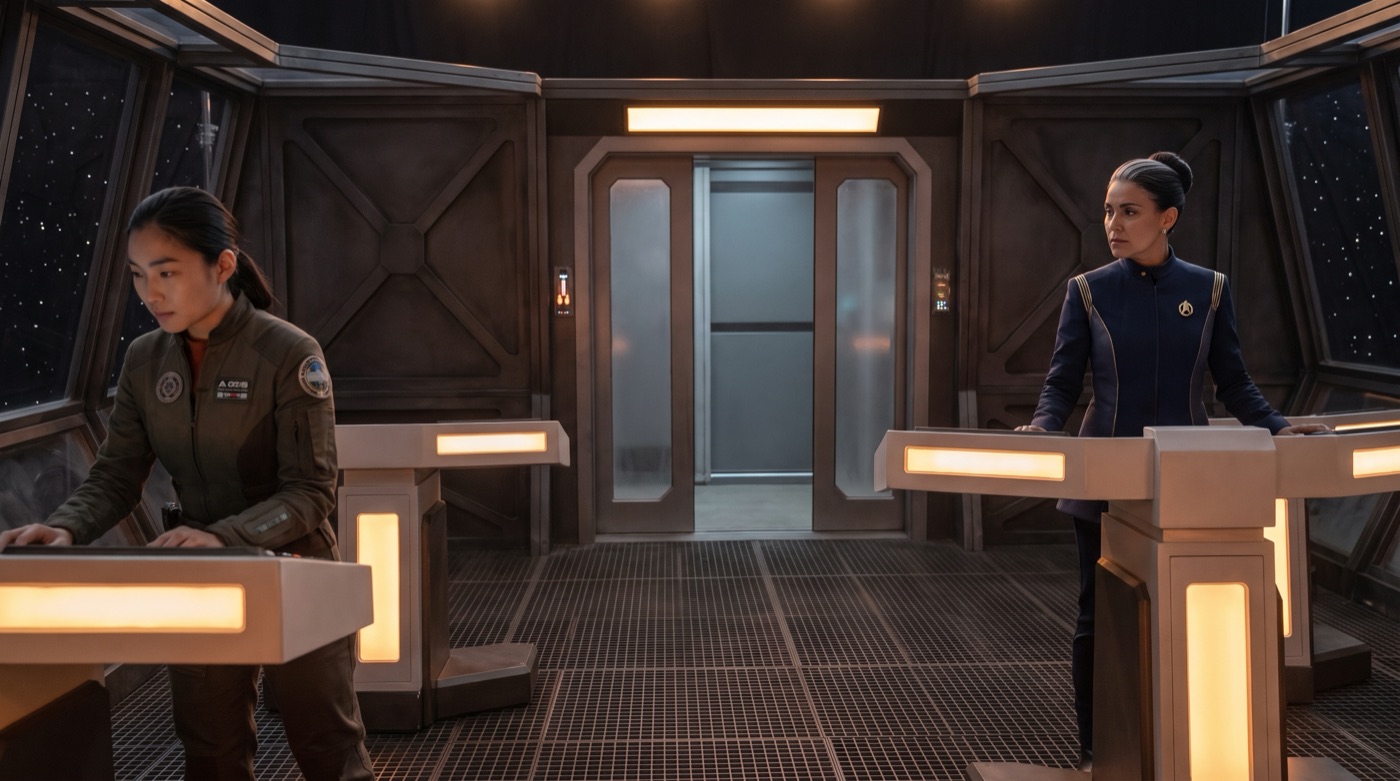
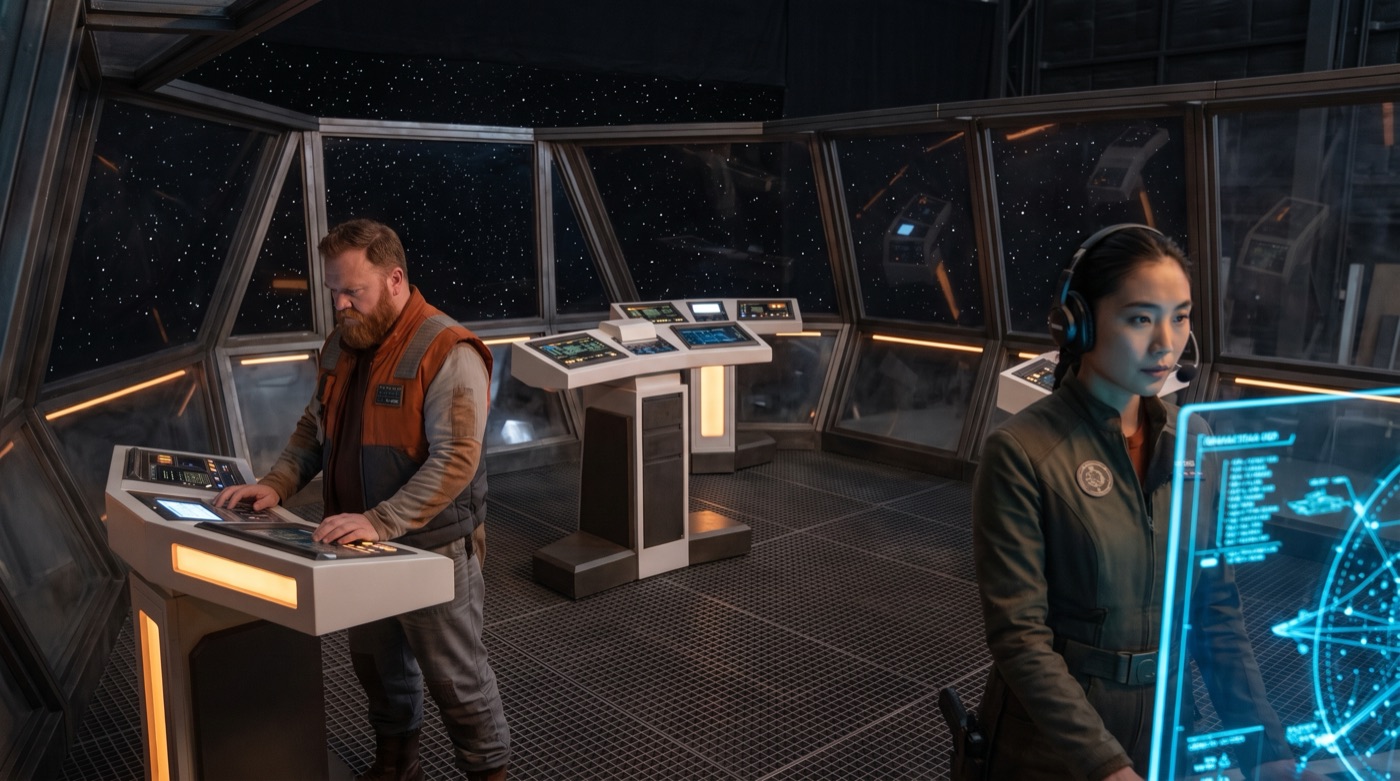
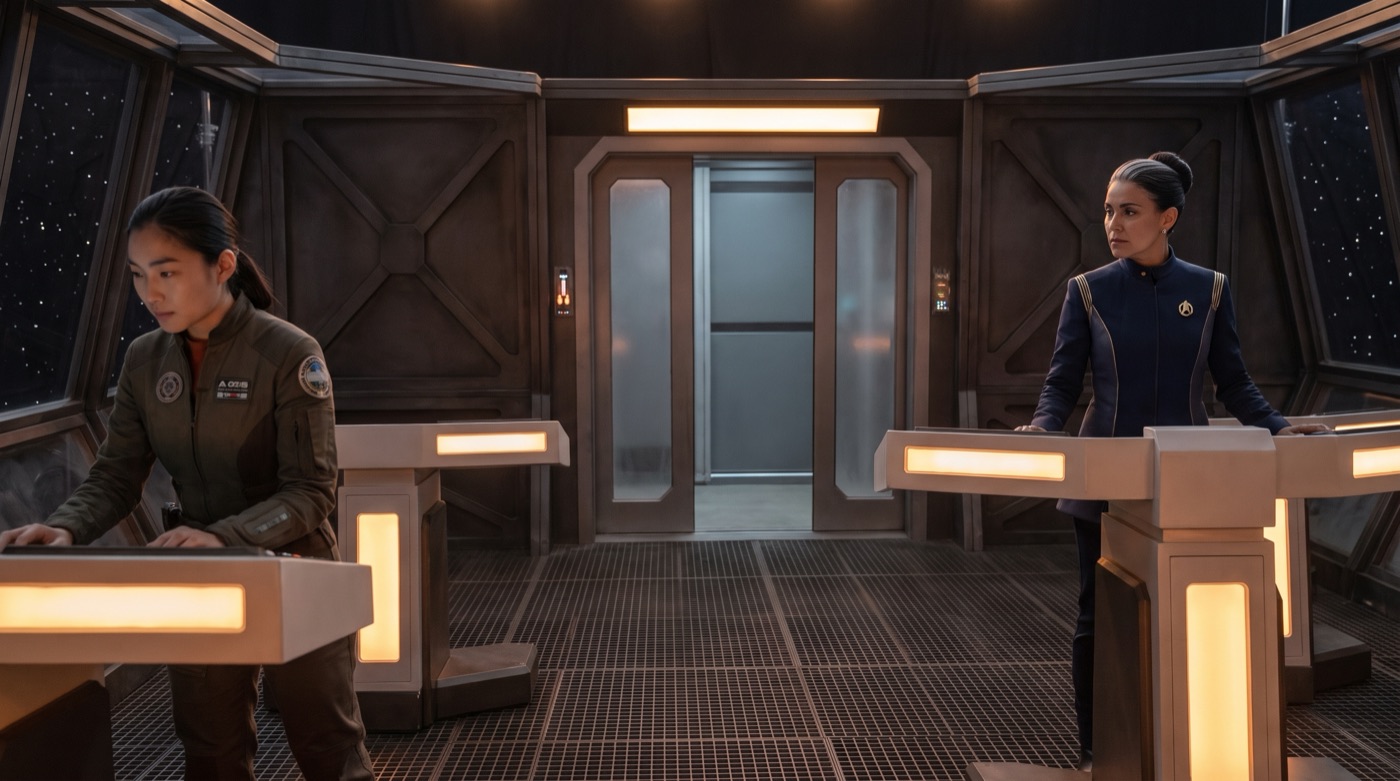
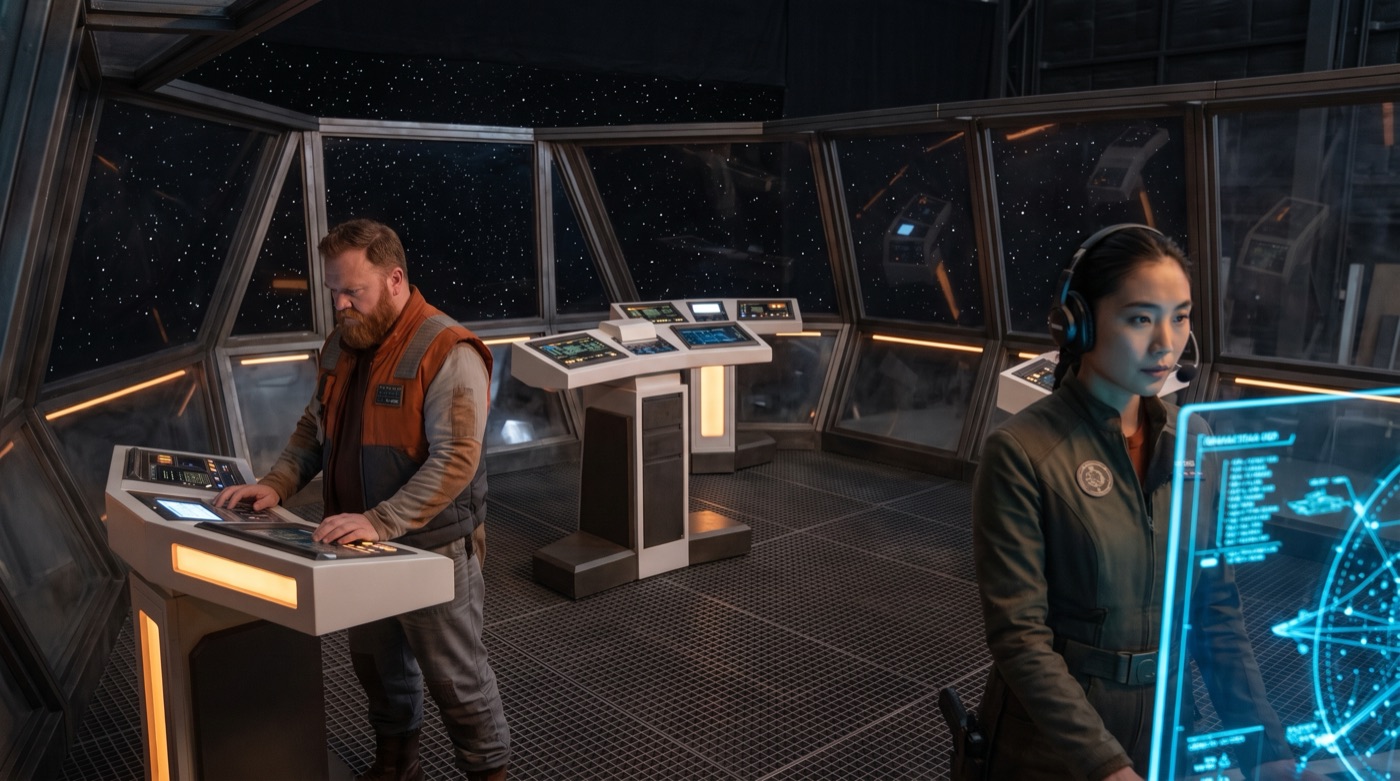
Build the captain’s flight deck once. Put a camera behind the pilot or across the deck by the windows, and every shot sees the same consoles, the same light, the same crew standing where they belong.
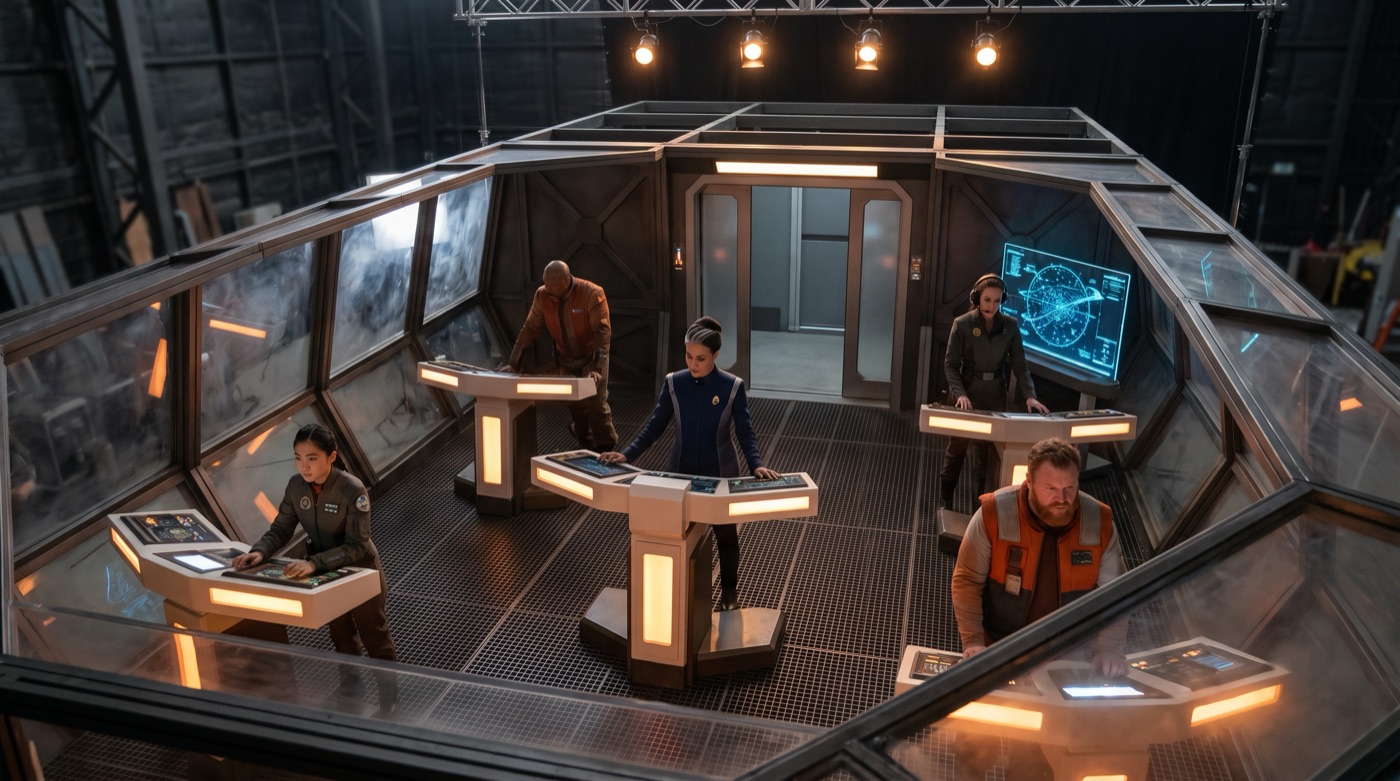
The roofless 3D set of a spaceship flight deck seen from about twelve feet up: consoles, five crew at their stations and a sliding door at the backFLIGHT DECKOne roofless 3D set

Eye-level frame on the flight deck, looking back toward the sliding door: the pilot on the left, the captain on the rightScene 12 · Camera A
Eye-level frame from the opposite side of the same deck, facing the front windows: the engineer on the left, the navigator on the rightScene 64 · Camera B

Outfit Consistency: new adventure, same costume, stitch for stitch.

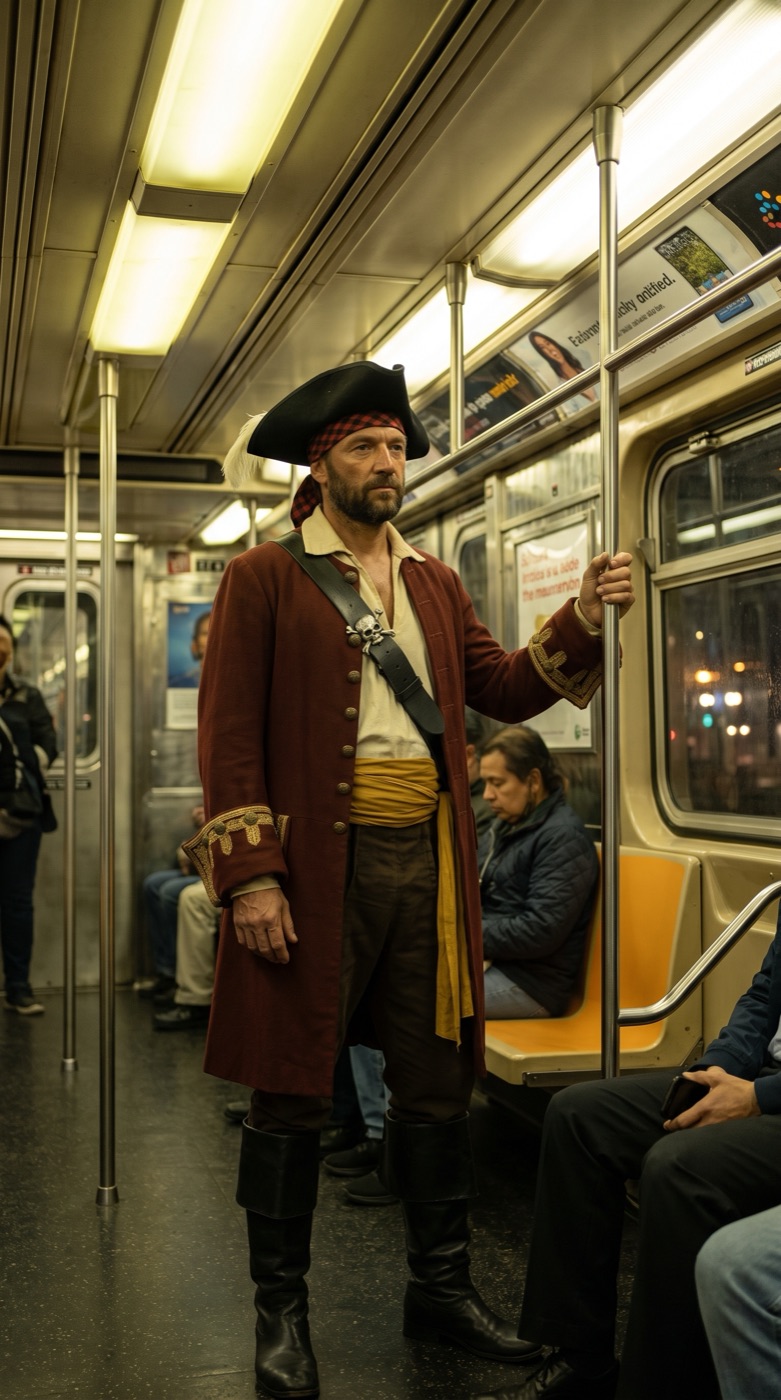
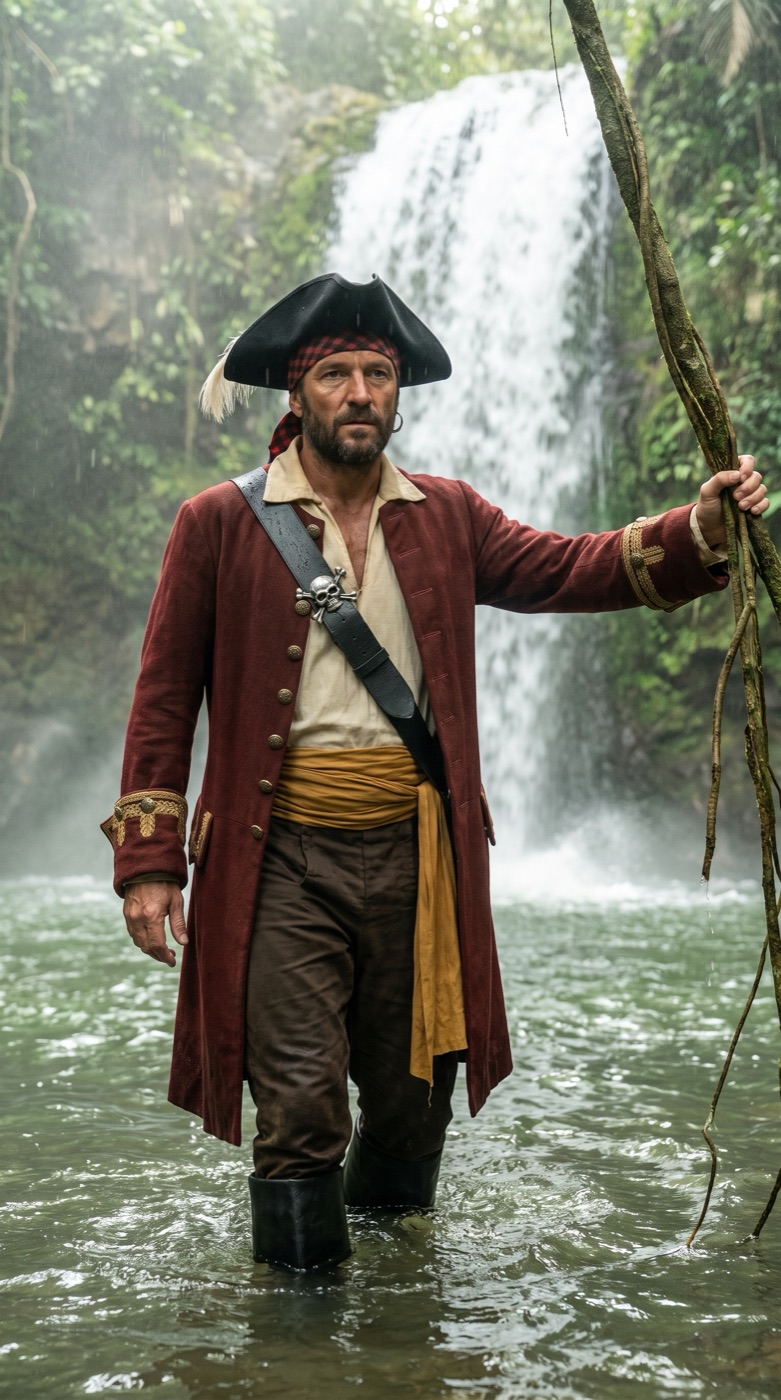
Design the pirate’s costume once: the red coat, the sash, the buckles, the hat. Ride the subway in scene 4, wade a jungle river in scene 61, cross a snowy village in scene 97. It’s the same outfit every time, and you never repeat yourself.

The pirate costume reference: a man in a long red coat, sash, boots and tricorn hat, standing full length on a gray seamless backdropPIRATE COSTUMEThe reference look

Scene 4: the pirate in full costume standing in a subway carScene 4Subway car
Scene 61: the same pirate, same coat and hat, wading a jungle river below a waterfallScene 61Jungle river
Scene 97: the same pirate in the same costume walking through a snowy village at nightScene 97Winter village

Chat with AI Filmmaker: Change background, same actor. One sentence.

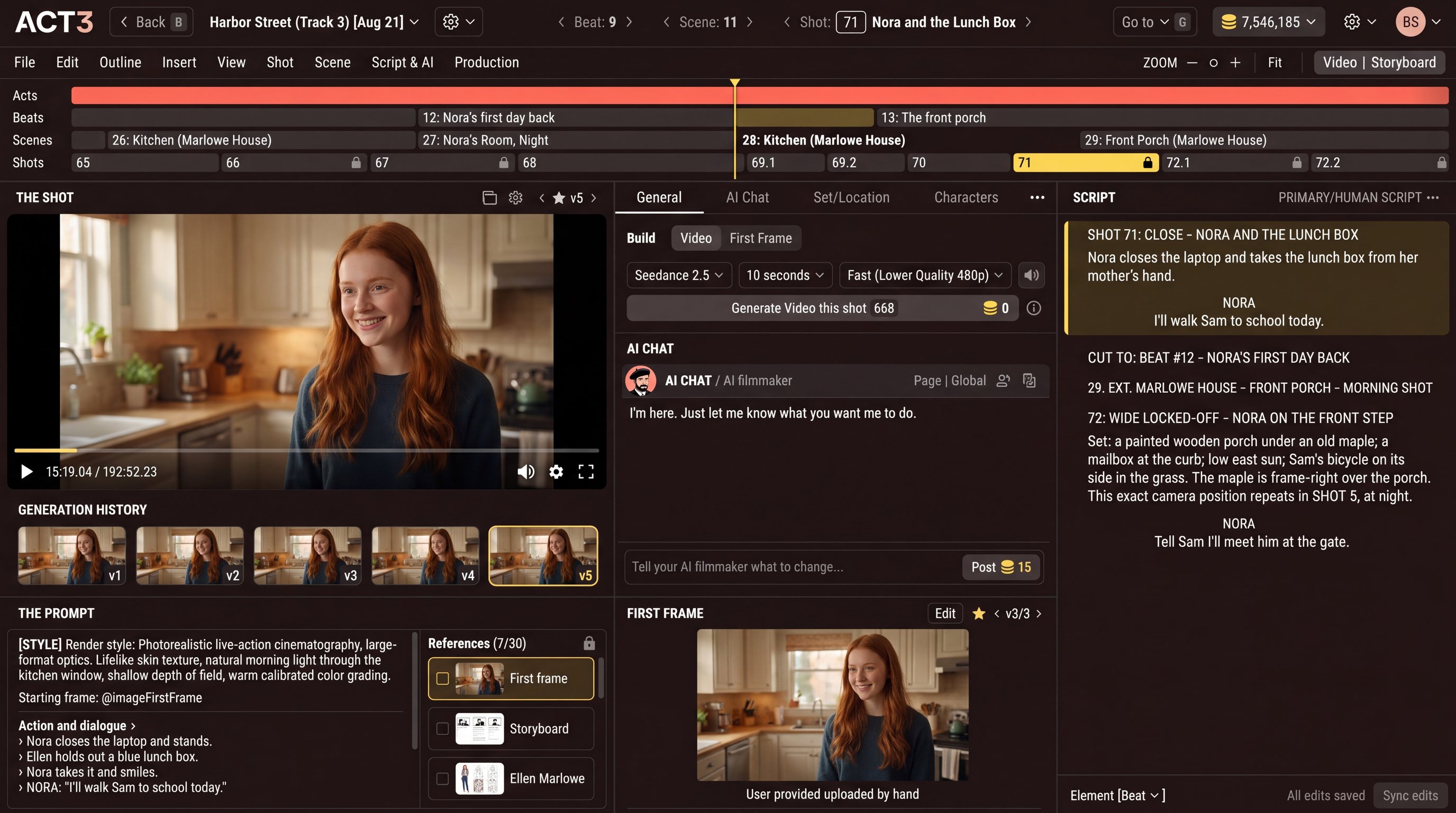
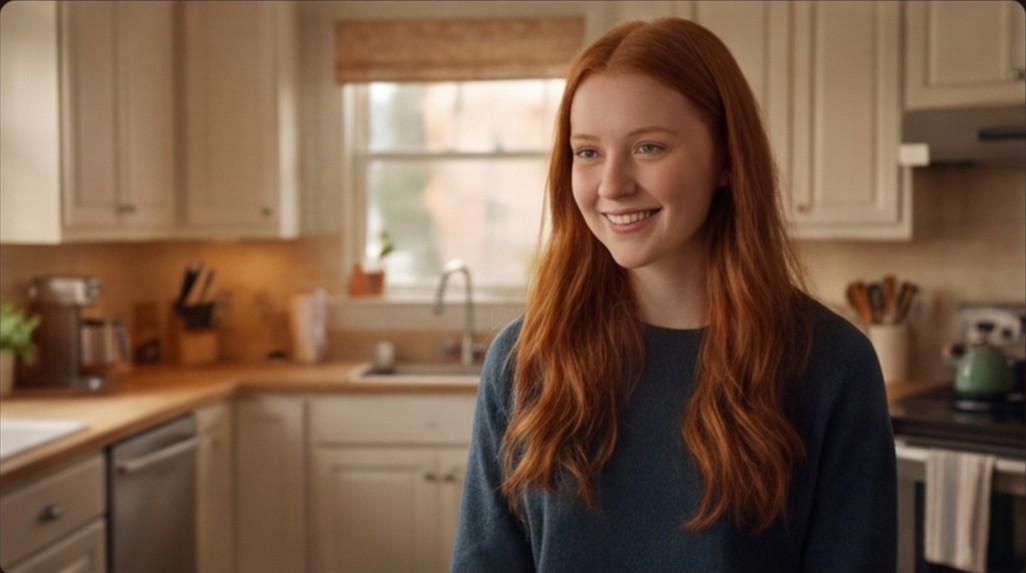
The ACT 3 editor: the shot of Nora in the kitchen, the AI chat under it, the script and the timeline of the whole movie

BEAT #: 4 - THE BEACH: Jack finally asks

12. EXT. KAUAI BEACH - GOLDEN HOUR

Jack and Sally walk the waterline. He carries a striped surfboard.

SHOT 31: WIDE - JACK AND SALLY AT THE WATERLINE

JACK

Sally. Can I ask you something?

SHOT 32: OVER JACK - SALLY, TRYING NOT TO SMILE

SALLY

You have been asking since the pier.

SHOT 33: CLOSE - JACK, WORKING UP TO IT

JACK

Stay. Skip the Friday boat.

Sally plants the striped surfboard upright in the sand and takes her time.

SALLY

Ask me again at low tide.

13. EXT. KAUAI BEACH - DUSK

The tide is out. Two sets of footprints and one surfboard.

JACK

It’s low tide.

SALLY

Then ask.
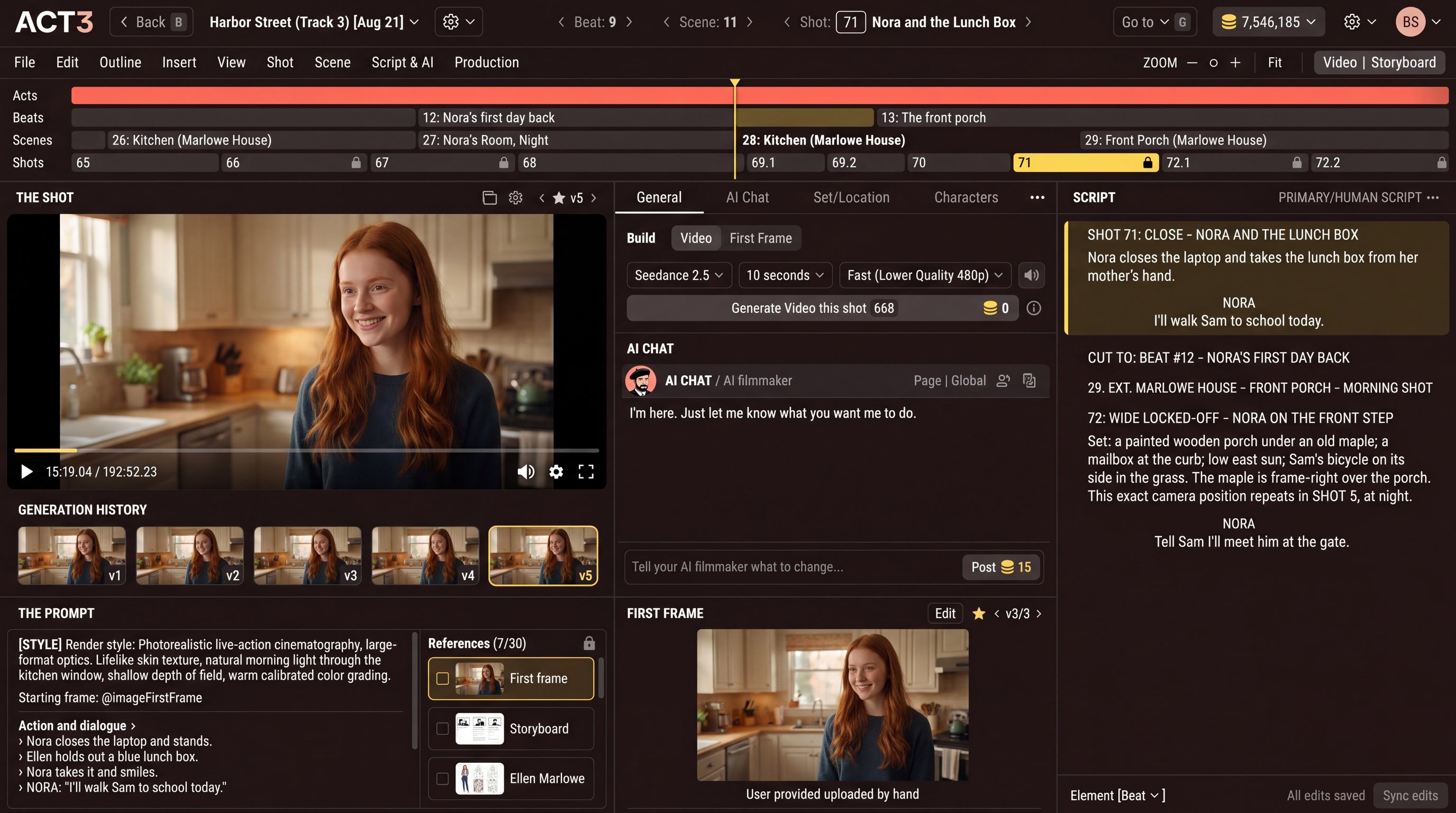
The real ACT 3 editor, zoomed in on its script column

SHOT 71: CLOSE - NORA AND THE LUNCH BOX

Nora closes the laptop and takes the lunch box from her mother’s hand.

NORA

I’ll walk Sam to school today.

CUT TO: BEAT #12 - NORA’S FIRST DAY BACK

29. EXT. MARLOWE HOUSE - FRONT PORCH - MORNING

SHOT 72: WIDE LOCKED-OFF - NORA ON THE FRONT STEP

Set: a painted wooden porch under an old maple; a mailbox at the curb; low east sun.

The real ACT 3 editor · its script column

Your beat line runs the timeline.

  • Move a beat and its scenes and shots go with it. Reorder beats without losing work.
  • Beats in the same place reuse the same set and location assets.

TimelineLow Tide · Act One

Beat 4 The beach

Scene 12

Shot 31, wide: Jack and Sally at the waterline Shot 32, over Jack to Sally Shot 33, close on Jack

Kauai beach

Beat 3 The pier

Scene 11
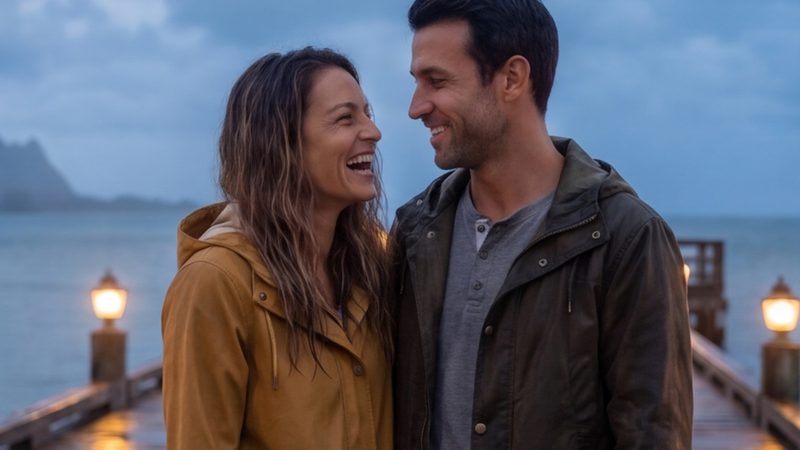
A shot from beat 3: Jack and Sally on the pier

The pier

Beat 5 Low tide

Scene 13

A shot from beat 5: the same beach at dusk

Kauai beach reused

You moved beat 4 ahead of beat 3. Its scene and shots came with it.

Your scene heading picks the set.

  • Every scene heading is mapped to a reusable set.
  • When Jack and Sally come back to the beach, its assets are reused.
  • You typed a few words in the scene heading. That was all it took.

Set binLow Tide

  • Kauai beach3 scenes

  • The pier1 scene

The Kauai beach set at golden hour, the striped surfboard standing in the sand Built once
  • 12. EXT. KAUAI BEACH - GOLDEN HOURThis page
  • 13. EXT. KAUAI BEACH - DUSKSame set
  • 21. EXT. KAUAI BEACH - DAWNSame set

Your shot header calls the shot.

  • Your shot header guides the AI cinematographer.
  • You were clear in the script. The cinematographer carries it out.

Shot inspectorShot 31

Shot 31: a wide shot of Jack and Sally walking at the waterline of a Kauai beach
Framing
Wide
Who
Jack and Sally
Where
At the waterline
Set
Kauai beach
Source
Your shot header

It reads between your lines.

You wrote one scene heading and one sentence of action. ACT 3 picks out the set, the time of day, who is in the scene and what they carry, then keeps all of it the same in every shot that follows. Capture it once and you never describe it again.

You wroteEXT. KAUAI BEACH - GOLDEN HOUR. Jack and Sally walk the waterline. He carries a striped surfboard.

  • ACT 3 found
  • Set Kauai beach
  • Light Golden hour
  • Cast Jack
  • Cast Sally
  • Prop Striped surfboard

Change a line right in the editor.

  • A full screenplay editor, in the Final Draft format you know, is built into the right column of the ACT 3 editor.
  • It is never read-only. Click a line and type, right beside your shots.

The real ACT 3 editorOne window

The whole ACT 3 editor: video and storyboard on the left, the AI chat in the middle, the script column on the right Your script, live
  • Script columnYou type here
  • FormatScreenplay
  • Beside itYour shots and video

Every version of your script, kept.

  • Backing up your script is saving your critical intellectual property.
  • Script versions are kept as you write. Nothing is lost.

Version historyLow Tide · script

  1. NowThe page you are on

    Kept
  2. TodayYou added beat 4

    Kept
  3. YesterdayYou rewrote the pier scene

    Kept
  4. Last weekYour Final Draft import

    Kept

Now · as you wrote it

BEAT #: 4 - THE BEACH: Jack finally asks

12. EXT. KAUAI BEACH - GOLDEN HOUR

Jack and Sally walk the waterline. He carries a striped surfboard.

SHOT 31: WIDE - JACK AND SALLY AT THE WATERLINE

JACK

Sally. Can I ask you something?

Final Draft in, Final Draft out. Your call.

  • Import your Final Draft file and keep working from it.
  • Export to Final Draft whenever you want. It stays your file.

Final DraftLow Tide.fdx

ImportExport

From Final Draft into your script in ACT 3.From your script in ACT 3 out to Final Draft.

Final Draft

You already wrote the outline.

  • Act, beat, scene, shot. ACT 3 keeps the whole outline for you.
  • You wrote it once. It is already organized.

OutlineLow Tide · read from this page

  • ActOne
    • Beat 4The beach: Jack finally asks
      • Scene 12Ext. Kauai Beach - Golden Hour
        • Shot 31Wide - Jack and Sally at the waterline
        • Shot 32Over Jack - Sally, trying not to smile
        • Shot 33Close - Jack, working up to it

Type a line. Your movie grows.

  • Want a new scene or a new shot? Just type it in the script.
  • Add beats, scenes and shots as you write, and your movie grows.

TimelineScene 12 · Kauai beach

  • Shot 31, wideShot 31
  • Shot 32, over Jack to SallyShot 32
  • Shot 33, close on JackShot 33
  • Shot 34, the new shot: the striped surfboard standing upright in the sandShot 34New

Shot 34 came from the line you just typed.

Storyboards for your entire movie

Created by our AI Storyboard Expert and AI Cinematographer. Every shot gets its panel.
  • Movie
  • TV episode
  • Minidrama
  • Ad
  • Social video
  • Marketing video
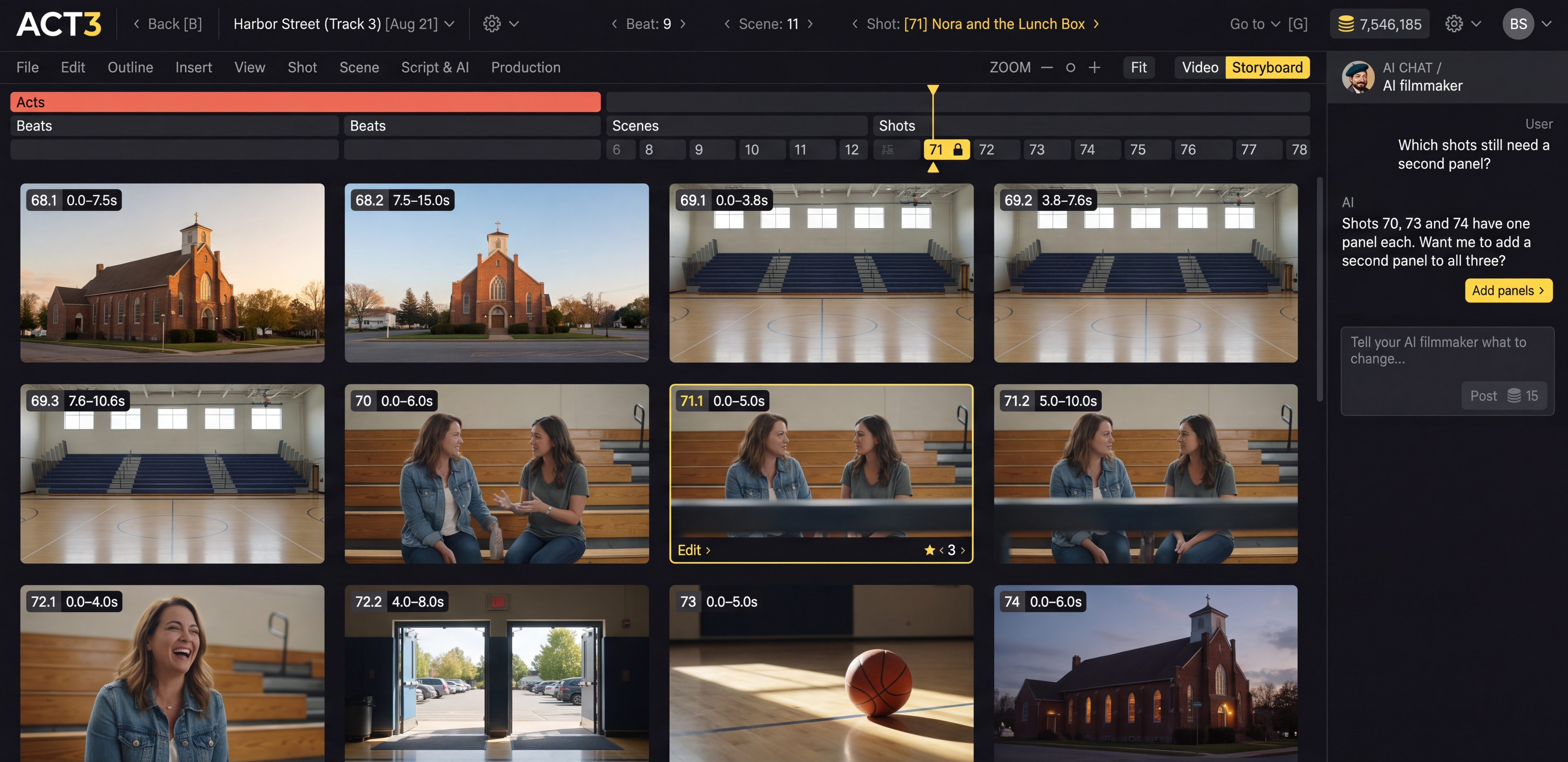
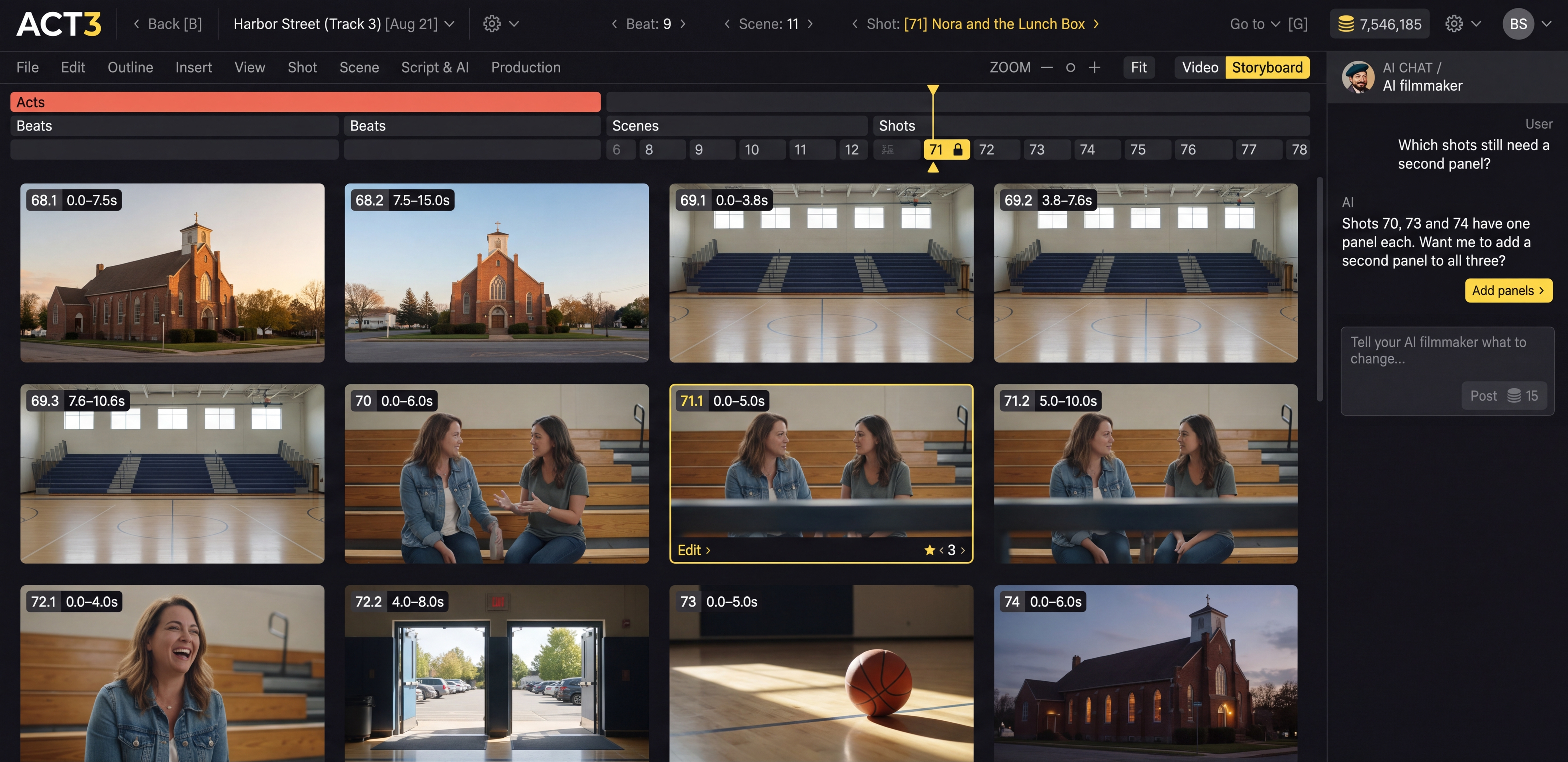
The real ACT 3 storyboard screen: twelve timed storyboard panels for Beat 9, Scene 11 of the project Harbor Street, with the acts, beats, scenes and shots rails above and the AI filmmaker chat on the right
The real ACT 3 storyboard screen.

Our secret to saving money

We get the shot right before you pay for the video.

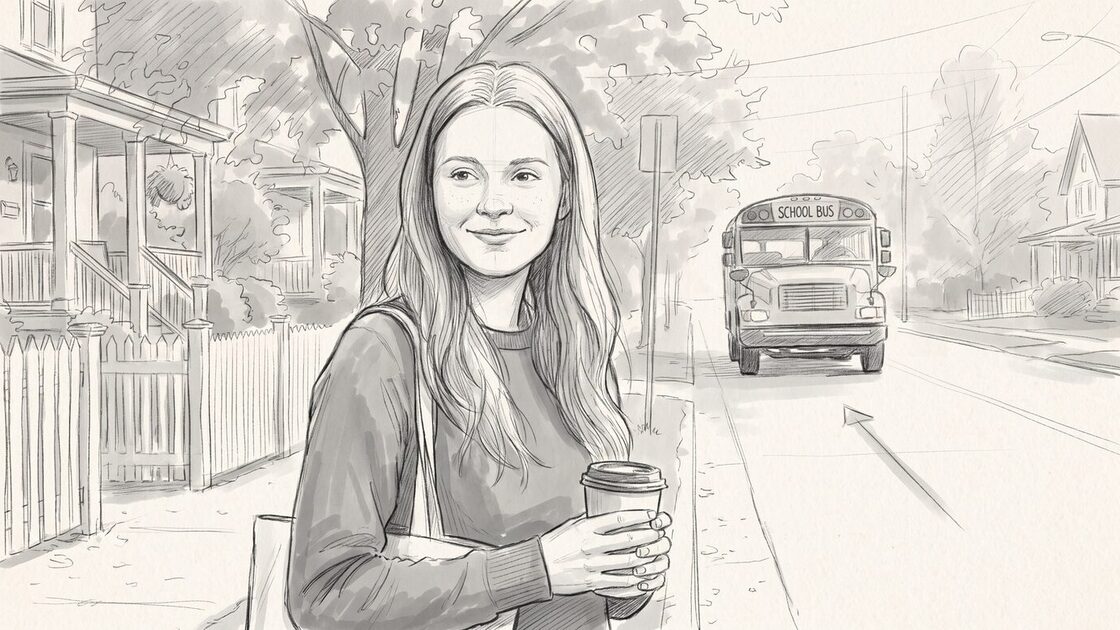
  1. Pencil storyboard panel: a young woman with a coffee at a bus stop, a school bus coming down the street.
    StoryboardDecided in pencil. Change anything.
  2. The same shot as a finished first frame: Nora with her coffee at sunrise, the yellow school bus in the mist.
    First frameApproved by you, for the cost of a still.
  3. Video, take 1The expensive step. It starts from the frame you approved.

Fewer takes to top quality.

When you do generate video, it is already the shot you wanted. Over a whole movie, that saves you money and time.

Three people. Three time zones. One movie that keeps moving.

Your production designer, your director and your costume designer all work inside the same ACT 3 project, in the same hours or one after another. Nobody waits for a file. Nobody works on an old copy.

Full access controls

  • Owner everything, including billing
  • Admin people and permissions
  • Member edit, run AI, use credits, as you allow
  • Reviewer watches, never changes
  1. Production designerMorning, his time · Member
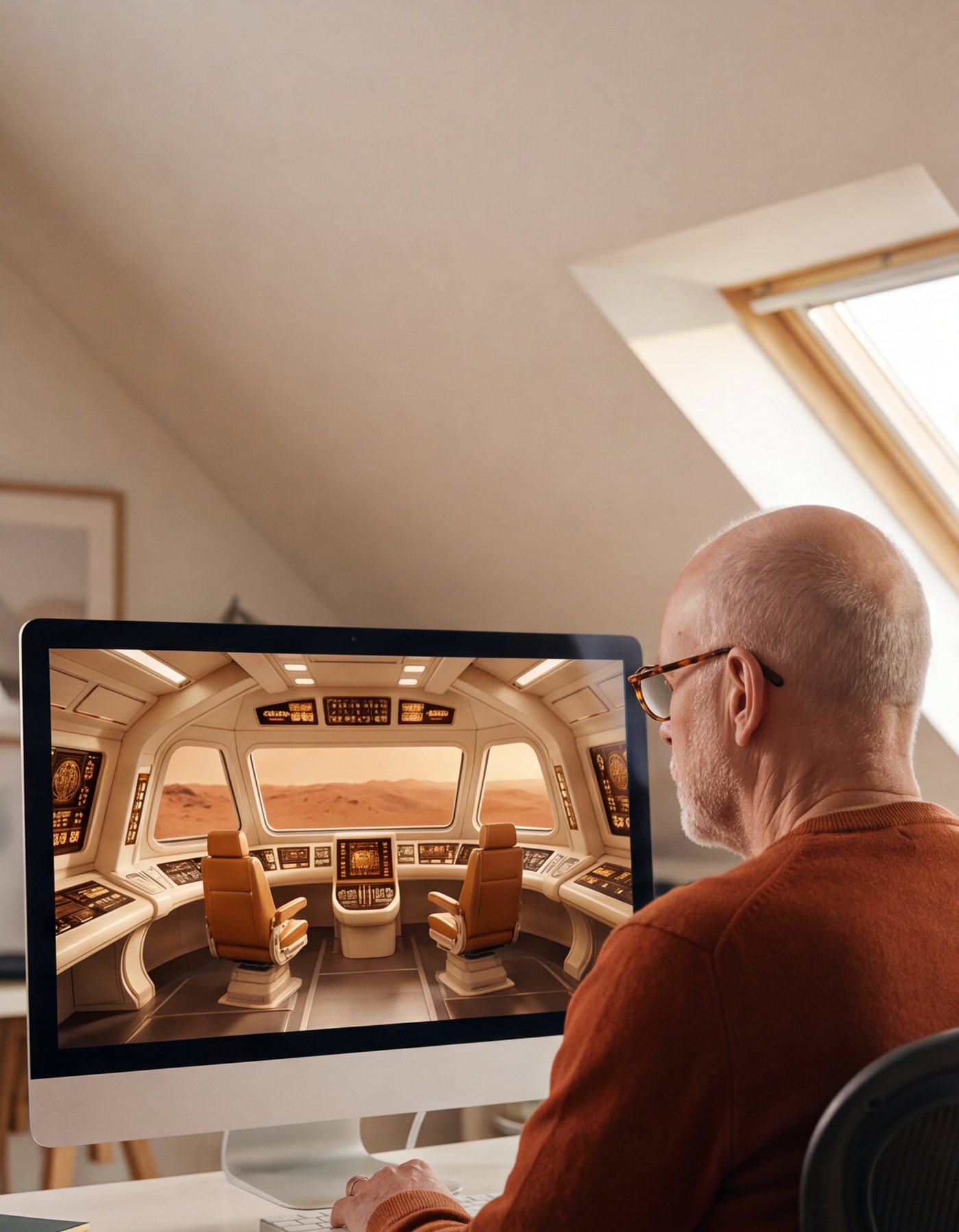
    A production designer in tortoise-shell glasses works in his sunlit attic studio in the morning. His screen shows an empty spaceship bridge set: cream consoles, amber lights and two empty seats.

    I'm working on Act 1 and a reusable set.

    Organized by shot, set or character. Whoever logs on next knows exactly where everything is, and picks up right where the last person left off.

  2. DirectorLate night, her time · Owner

    A director with a short black bob works at a lamp-lit desk at night, city lights behind her. Her screen shows the film's last scene: an astronaut on a red planet at sunrise.

    I'm working on Act 3.

    Far faster, together. While one time zone sleeps, another is at work. Movies and series get done far faster when the whole team works together.

  3. Costume designerAfternoon, her time · Member

    A costume designer with long gray locs and a yellow scarf smiles in her sunny studio. Her screen shows the film's astronaut in three outfits: an orange flight suit, a cream dress uniform and an olive jacket.

    I'm working on multiple outfits for different days in the movie.

    Perfect for remote teams. Voice actors included: they record from home, inside the same project as everyone else.