Step 3 of 8
Upload your screenplay
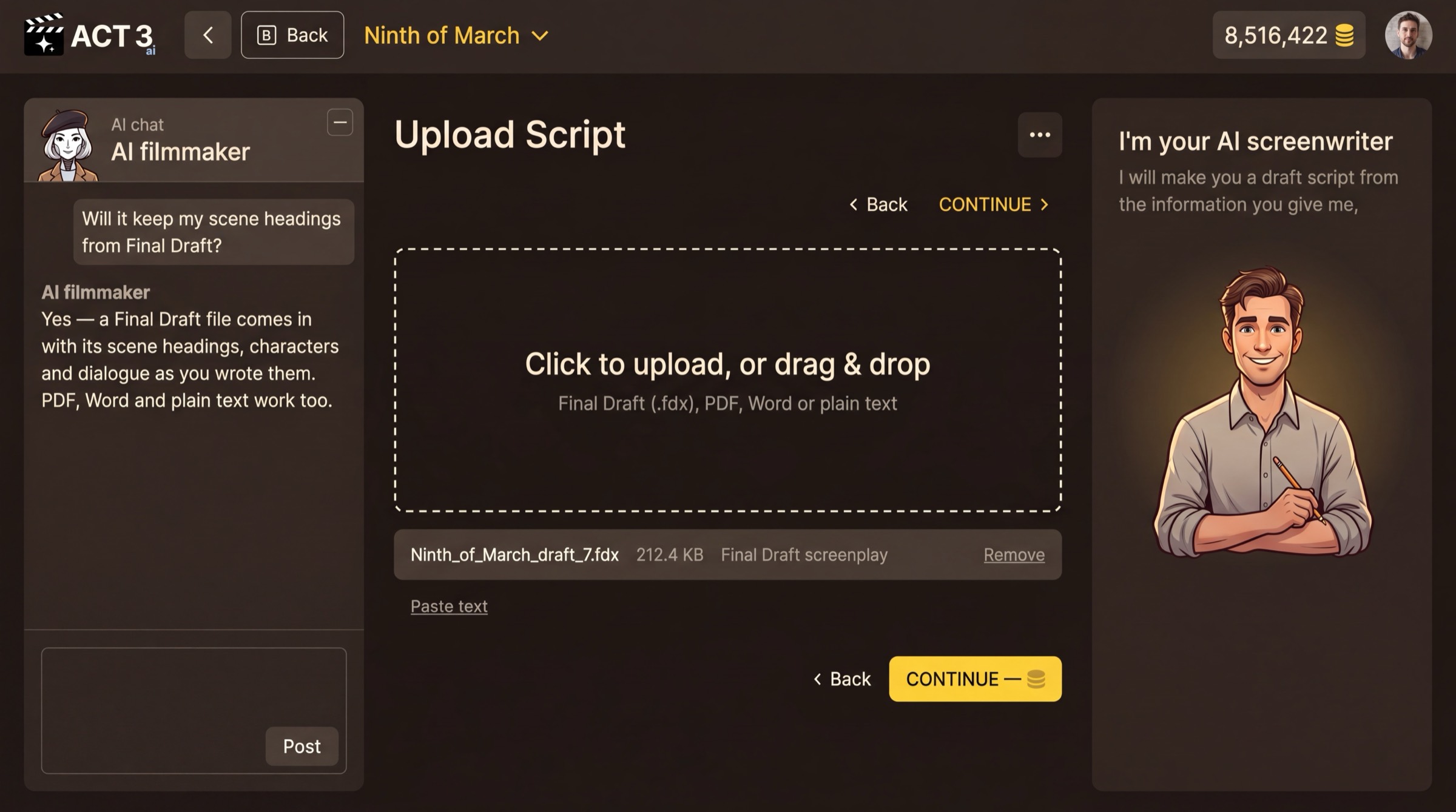
Drop your screenplay file into the dashed box, or click it to browse. Final Draft (.fdx), PDF, Word and plain text all work. When your file shows under the box, press CONTINUE.
What this page is
Upload Script takes your screenplay. Drag the file onto the dashed box or click the box to pick it. The file appears under the box with its size and type; Remove takes it away. No file at hand? Paste text lets you paste the script itself.
- Final Draft (.fdx) is the best input: scene headings, characters and dialogue come in exactly as you wrote them.
- PDF, Word and plain text work too. Keep standard screenplay format (INT./EXT. headings, character names above dialogue) for the cleanest breakdown.
Before you continue
CONTINUE shows a credit price, because reading a script and laying out its shots is AI work. If your balance is short, ACT 3 AI first asks you to pick a plan or add credits, then carries straight on to the import.
The AI filmmaker chat on the left answers questions about the file, for example "Will it keep my scene headings?"
Why you go next to the import
Pressing CONTINUE hands the file to ACT 3 AI's agents. The next page shows them reading it.