Step 2 of 6
Sign up with Google
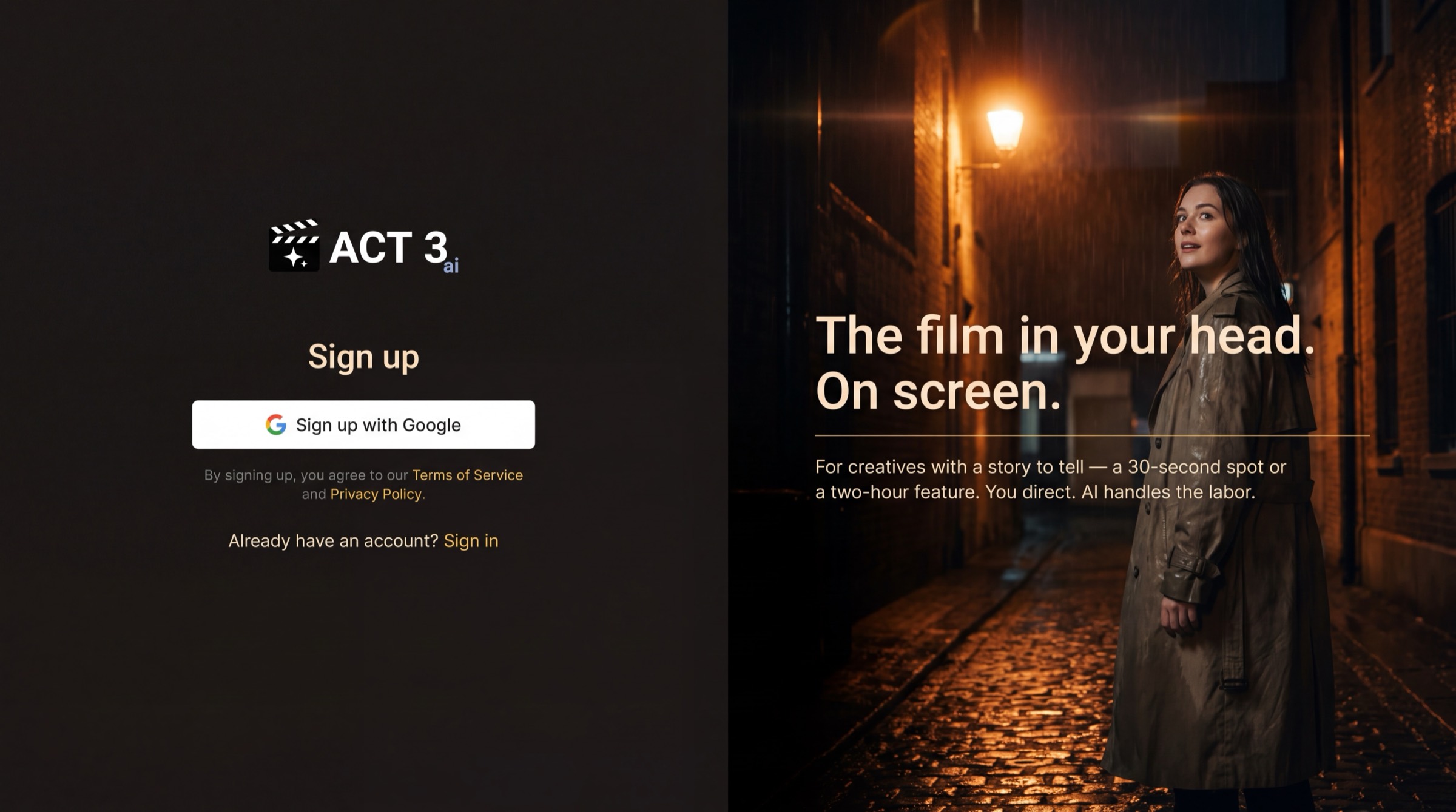
Create your ACT 3 AI account with one click. Look for the white Sign up with Google button on the left. Click it, then choose your Google account.
What this page is
The Sign up page has one job. The left half holds the only control you need: Sign up with Google. The right half is a reminder of why you came: the film in your head.
Click the button and Google asks which account to use. Pick it, and ACT 3 AI creates your account and signs you in. There is no password to invent and no form to fill.
The fine print. The line under the button says that signing up means you agree to the Terms of Service and the Privacy Policy. Both are links; read them first if you like, and you come back to this page with nothing lost.
Your decision
Which Google account? Use the one you want your films to live under. If a teammate invited you, use the exact Google account the invitation was sent to; any other account will not join their organization.
Already have an account? Click Sign in at the bottom. Signing in with Google lands you on Home as well.
What it costs
Nothing. A new account starts on the Free plan, with a monthly allowance of credits, and ACT 3 AI creates a personal organization for your projects. You do not pick a plan here; the app only asks you to move up when a job needs more credits than you have.