Step 2 of 7
Say yes to storyboards
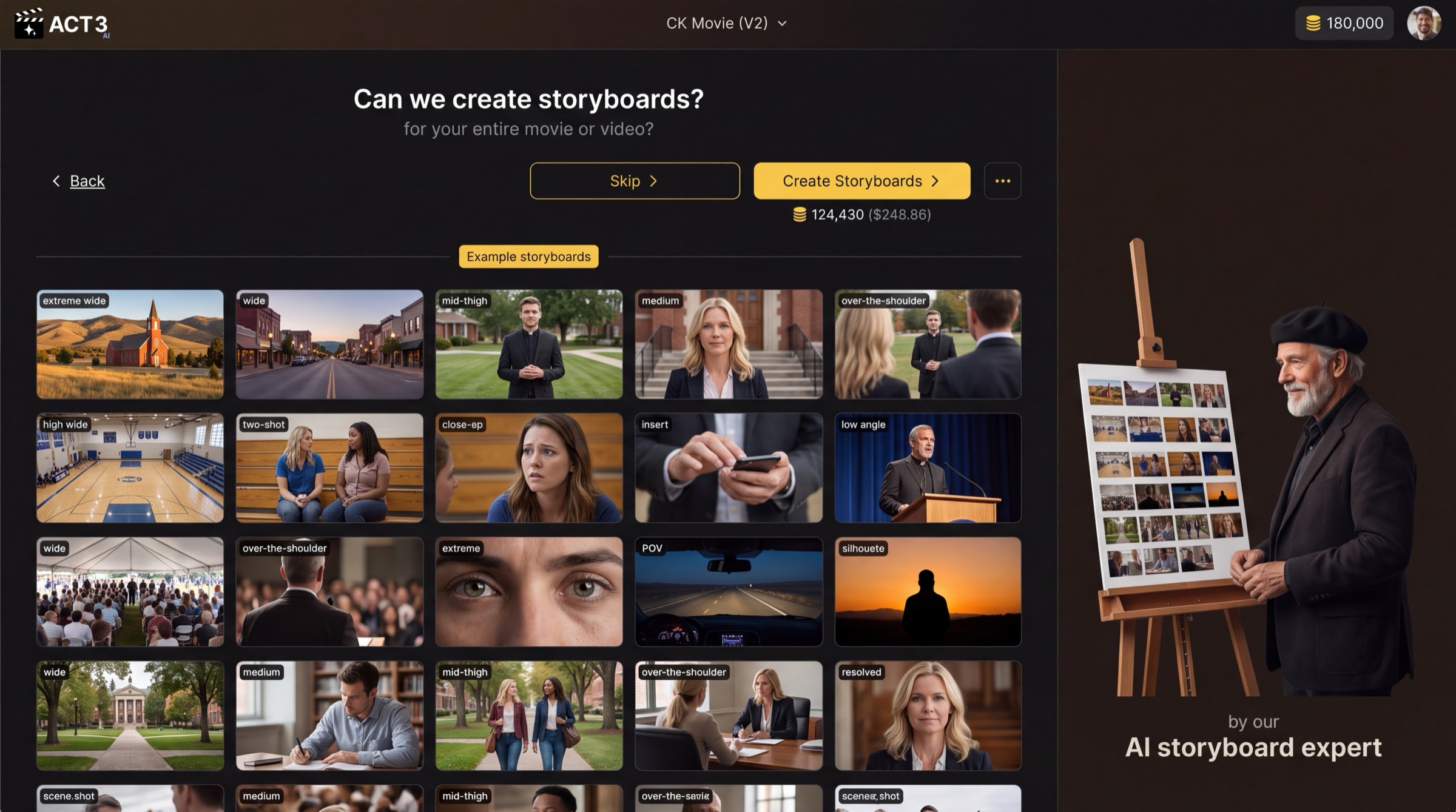
Near the end of the New Project wizard, ACT 3 AI asks to storyboard your whole film. Check the price under the button, then click Create Storyboards.
 Create Storyboards
Starting a new project? You can also say yes to storyboards before you ever reach the Editor.
What this page is
"Can we create storyboards?" is the last question of the New Project wizard. By now your script is broken into acts, beats, scenes and video shots, and your look and cast are chosen. This page asks one thing: may ACT 3 AI draw a storyboard for every video shot of the film, for the price shown?
The wall under the question is a set of example storyboards, not your film. Read it as a coverage plan: extreme wide, wide, mid-thigh, medium, over-the-shoulder, two-shot, close-up, insert, low angle, POV, silhouette. Your storyboard will mix shot sizes the same way. Click any example to see it larger.
Your decision
Create Storyboards draws a frame for every video shot. The coin price under the button is the number of video shots times the price of one frame. Pick it when you want to see the whole film laid out before you spend on video. Most filmmakers should.
Skip draws nothing and goes straight on to building your film. Pick it when you only want a few shots, or you plan to go shot by shot in the Editor. You can storyboard any part of the film later from the Storyboard page.
It is the whole film or nothing here. Choosing only some acts or scenes happens later, on the Storyboard page, where they are all on screen.
Why storyboard first
A storyboard frame is a cheap drawing; a video shot is an expensive render. Seeing every frame first lets you catch a wrong shot size, a missing insert or a broken screen direction before it costs a video generation.
Where you go next
Create Storyboards opens the storyboard progress page, where you watch the frames arrive. That is the next step.