Step 1 of 7
Find the shot in the Editor
Open your project in the Editor and click the shot you want to improve on the timeline. Then look at its FIRST FRAME card, under the AI chat. Ask one question: is this the still the video should start from?
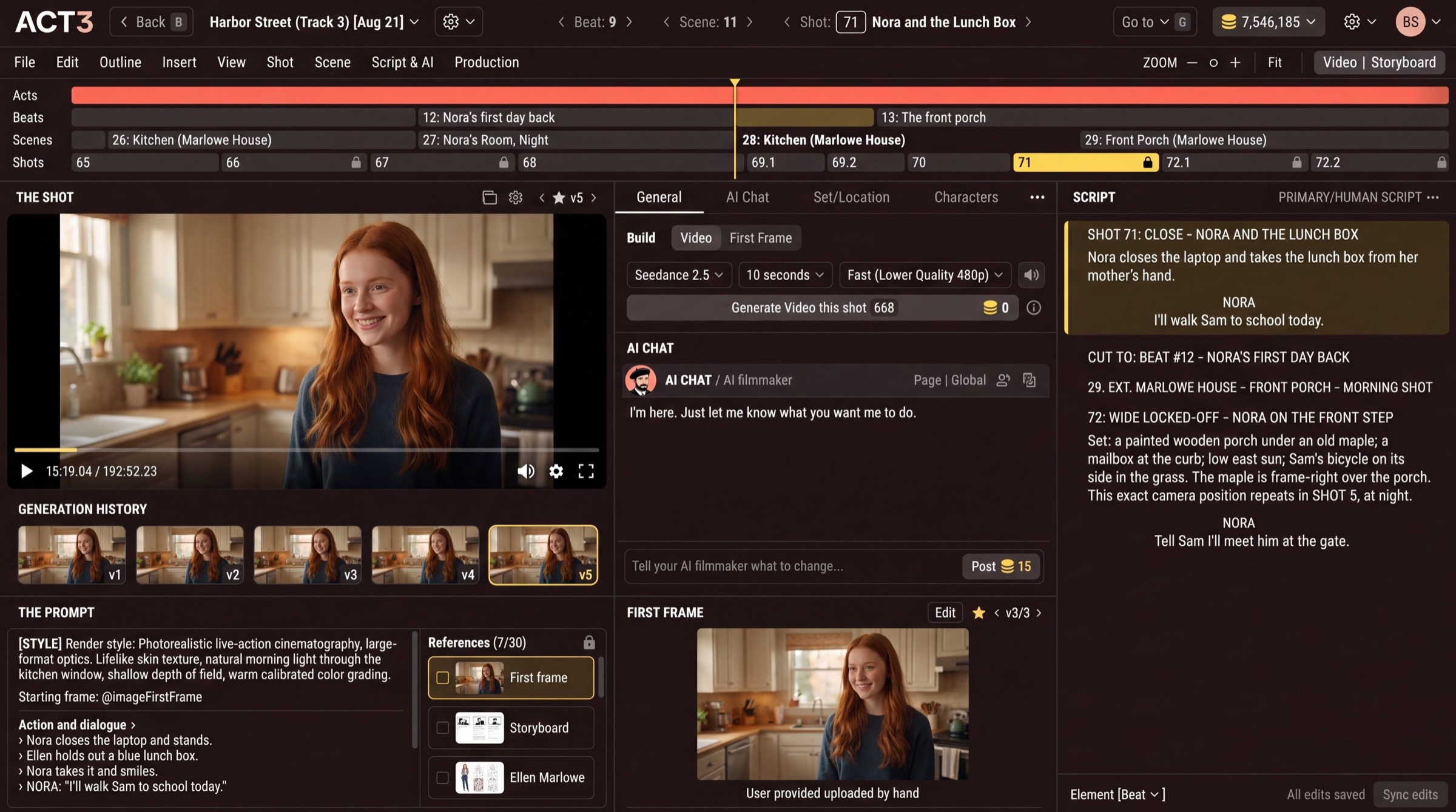
What a first frame is
Every video shot in ACT 3 AI starts from one still image: its first frame. The video model takes that still and sets it in motion. So the first frame fixes the composition, the lens and camera height, the light, the set, and what your actors are wearing, before a single second of video exists.
That is why it pays to get it right first. A still costs a few credits and takes seconds. A video take costs far more. A better first frame means fewer video generations to get the shot you want.
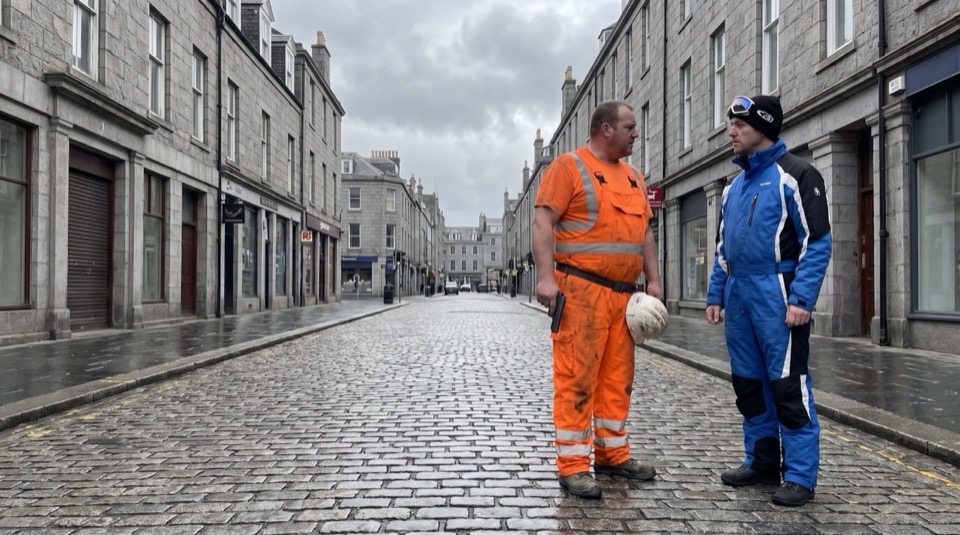
What to look for on the card
Click the shot on the timeline (the Shots row), or step to it with the arrows beside Shot in the top bar. The script pane jumps to the same shot, and the FIRST FRAME card shows the still this shot will be generated from. Judge it the way a cinematographer judges a frame:
- Composition: framing, eyeline, headroom, where the actors stand.
- Set: the right place, with nothing in it that should not be there.
- Cast and wardrobe: the right people, in the right costumes.
- Light and look: time of day, mood, and the film's render style.
- Continuity: does it cut with the shot before and the shot after?
Your decision
The frame is right: leave it, and generate the video (guide 7, Build Videos). Something is wrong: continue here, and fix the still before you spend credits on video.