Step 4 of 7
Improve the prompt and references
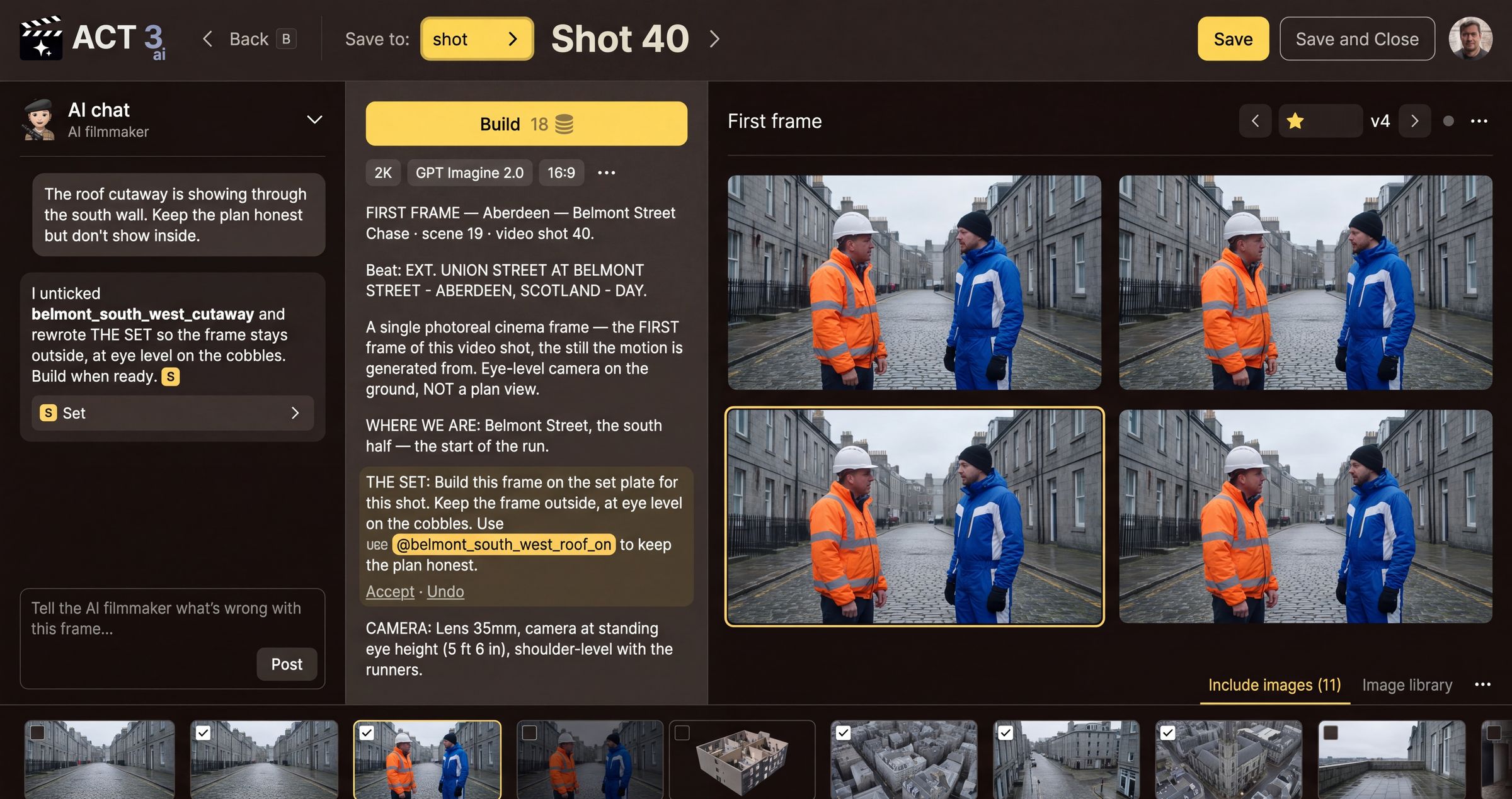
Tell the AI filmmaker what is wrong, in plain words, and press Post. It rewrites the prompt and changes the references, and marks what it changed. Or edit the prompt yourself and tick or untick reference images.
Two ways to improve it
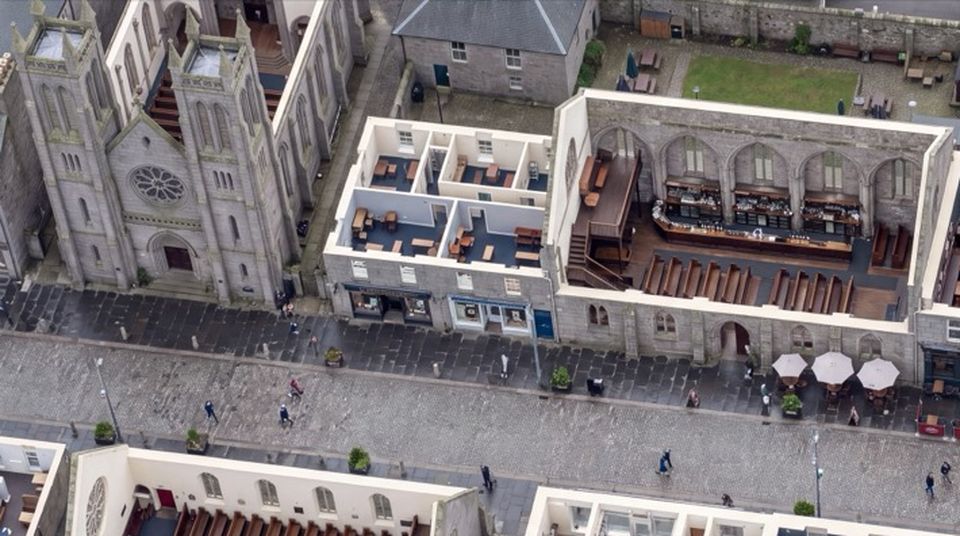
With the AI filmmaker. Type what is wrong into the chat box at the bottom left (Tell the AI filmmaker what's wrong with this frame…) and press Post. Say it the way you would say it to a camera crew: what you see, and what you want instead. In the example, the filmmaker wrote "The roof cutaway is showing through the south wall. Keep the plan honest but don't show inside." The AI filmmaker unticked the cutaway reference and rewrote THE SET paragraph so the camera stays outside, at eye level on the cobbles. The paragraph it changed is highlighted, with Accept and Undo under it.
By hand. Click into the prompt and edit it like any text. Type @ to name a reference image inside the prompt. Tick or untick the boxes on the Include images strip: a ticked image goes into the build, an unticked one does not. Open Image library to add another image from your project.
Write like a cinematographer
The more precise the words, the closer the next build. Name the camera height and lens ("35mm, standing eye height"), the framing ("medium two-shot, both faces in profile"), the light ("flat overcast, wet ground"), and the wardrobe ("orange hi-vis overalls, white hard hat"). Change one cause at a time, so you can tell what fixed it.
Your decision
AI filmmaker or by hand? Use the AI filmmaker when you can say what is wrong but not which words cause it. Edit by hand when you already know the line to change. Either way, check the highlighted change and press Accept or Undo.